

Fiverr Gig Images That Get Clicks: Sizes, Rules and Mistakes to Avoid
Buyers judge your Gig by its gallery before they read a word. This guide sets out Fiverr’s image sizes and ownership rules, what belongs in the three gallery slots, and the mistakes that cost new sellers their clicks.

In Fiverr search results, buyers do not read first — they look. Rows of Gigs compete side by side, and the gallery image is what earns the click that lets your title and description do their work. Fiverr itself puts it plainly in its best practices: “Your Gig image is the first thing clients see.” This guide covers the exact sizes and rules Fiverr publishes for Gig galleries, what to put in the three slots you are given, and the mistakes that quietly cost new sellers their clicks. It pairs with our beginner’s guide to creating your first Gig, which covers the full setup this gallery belongs to.
Highlights
- The allowance: at least one image is required to publish; you can add up to three.
- The size: recommended 1280 x 769 px at 72 DPI; minimum 712 x 430 px.
- The ownership rule: use images you own — no copyrighted material and no images sourced from the internet.
- What works: Fiverr says samples of your actual work make the strongest Gig images.
- Video: optional for most categories (20–60 seconds, under 50 MB), required in Video & Animation — and its thumbnail displays before your images.
The exact rules, from Fiverr’s own help pages
Every figure in this section comes from Fiverr Help Center’s “Creating a Gig” guide, checked against the live page. You must upload at least one image to publish a Gig, and you can add up to three. The recommended size is 1280 x 769 px at 72 DPI, and the minimum accepted size is 712 x 430 px at 72 DPI — exporting below that minimum is the most common technical reason a gallery looks soft and amateur next to competitors. The ownership rule is equally explicit: “Use images you own; no copyrighted material or images sourced from the internet.” That rules out the most tempting shortcut — saving a polished image from a search engine — on both copyright and trust grounds.
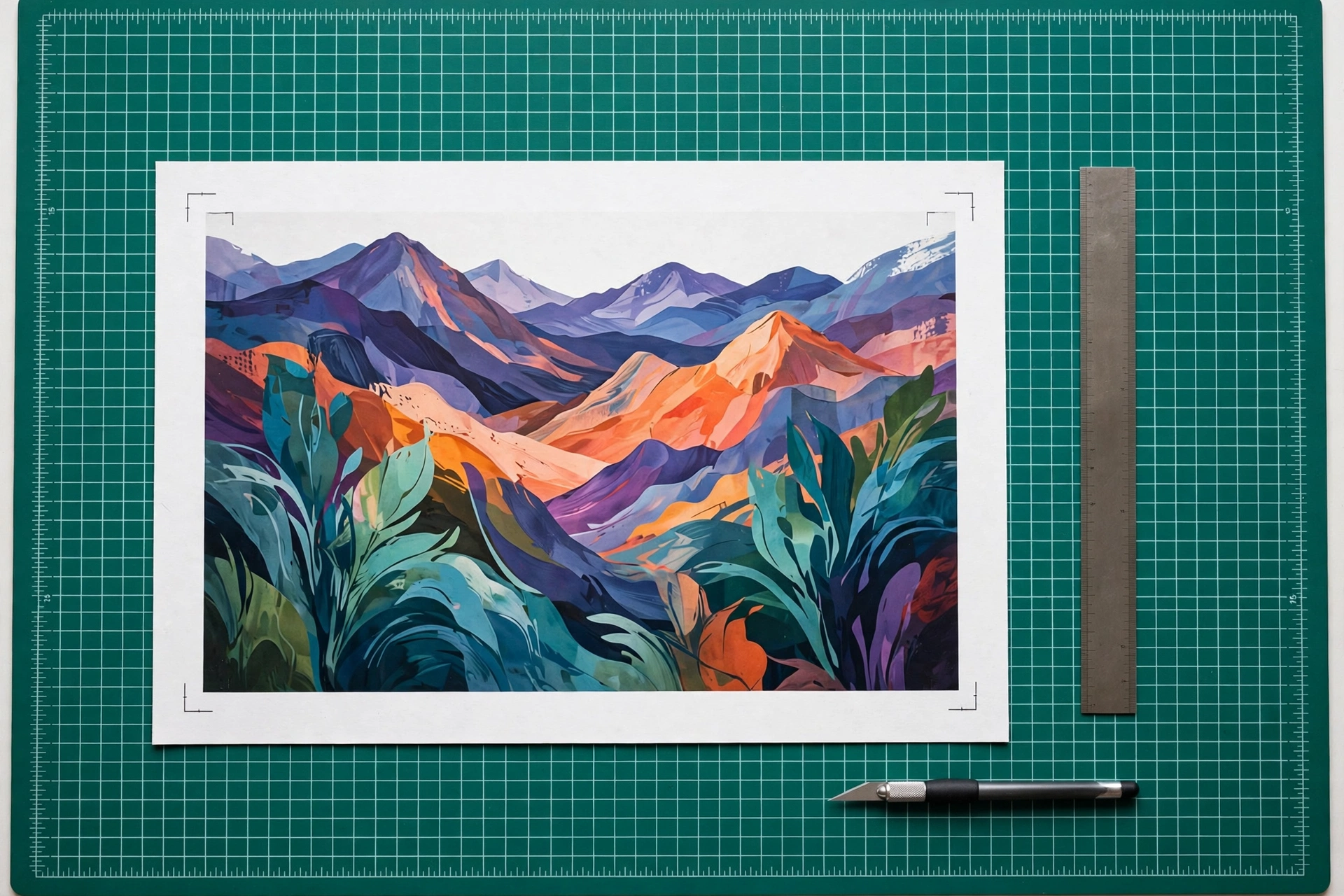
What to put in the three slots
Fiverr’s advice is that “samples of your work make strong Gig images” — so treat the gallery as a tiny portfolio, not as advertising space. A reliable arrangement: slot one is your single clearest, most representative finished piece, readable at thumbnail size with one subject and no clutter; slot two shows range or process — a second style, a before-and-after pair if your service suits it, or the work in context (the logo on a shopfront, the design on a phone screen); slot three answers the remaining doubt — a detail close-up, a second format, or another strong sample. If you have no client work yet, create samples specifically for the gallery: the rule is that the work is yours, not that a client paid for it. What the gallery must never do is promise a different service from the one the Gig sells — Fiverr ties a Gig’s reviews and portfolio to its original service, and expects the imagery to be representative of your actual work.
Mistakes that cost clicks (and sometimes the Gig)
- Images pulled from the internet. Beyond the copyright risk, Fiverr’s rule against internet-sourced images makes this a compliance problem, not a style choice — and buyers reverse-search more often than sellers think.
- Someone else’s portfolio pieces. Misrepresentation collapses at the first order, when the delivered work does not match the gallery; the reviews that follow end the Gig anyway.
- Text-stuffed collages. A wall of tiny screenshots and banners is unreadable at search-result size. One clear subject beats six crammed ones.
- Exporting too small or blurry. Below the 712 x 430 px minimum, your card looks broken next to crisp competitors; export at the recommended size.
- Pretty but irrelevant. An attractive image that does not show the deliverable earns curiosity clicks that bounce — and a Gig whose imagery and service drift apart risks being removed from search results.
Video and PDFs: the rest of the gallery
A Gig video is optional in most categories and required in Video & Animation. The published limits are a length of 20–60 seconds and a file size under 50 MB, with no copyrighted audio, visuals or watermarks you do not own. One detail matters strategically: the video thumbnail takes priority and displays before your images, so if you add a video, its opening frame becomes your de facto first image — choose it as carefully as slot one. You can also upload up to two PDFs to showcase document-based work such as writing or reports; only the first three pages of each PDF are displayed, and the files are preview-only — clients cannot download them.

Quick gallery checklist
- Three slots used (or one outstanding image, never one weak one).
- Every image exported at 1280 x 769 px, 72 DPI — comfortably above the minimum.
- All images are your own work or samples you created for the Gig.
- Slot one is a single clear subject, readable as a thumbnail.
- Images show the exact service the Gig sells — no borrowed glamour.
- If a video is added: 20–60 seconds, under 50 MB, thumbnail chosen deliberately.
Getting found comes first — your category, title and tags decide whether the Gig appears at all, which is the subject of our guide to Gig title, keywords and tags that get found. Once you are on the results page, the gallery in this guide is what turns that appearance into a click.