USB-C Charging FAQs: Laptop Chargers, Battery Health and Travel Adapters
One charger for your laptop, phone and earbuds sounds too simple to be true — here are straight answers to the USB-C charging questions people ask most.
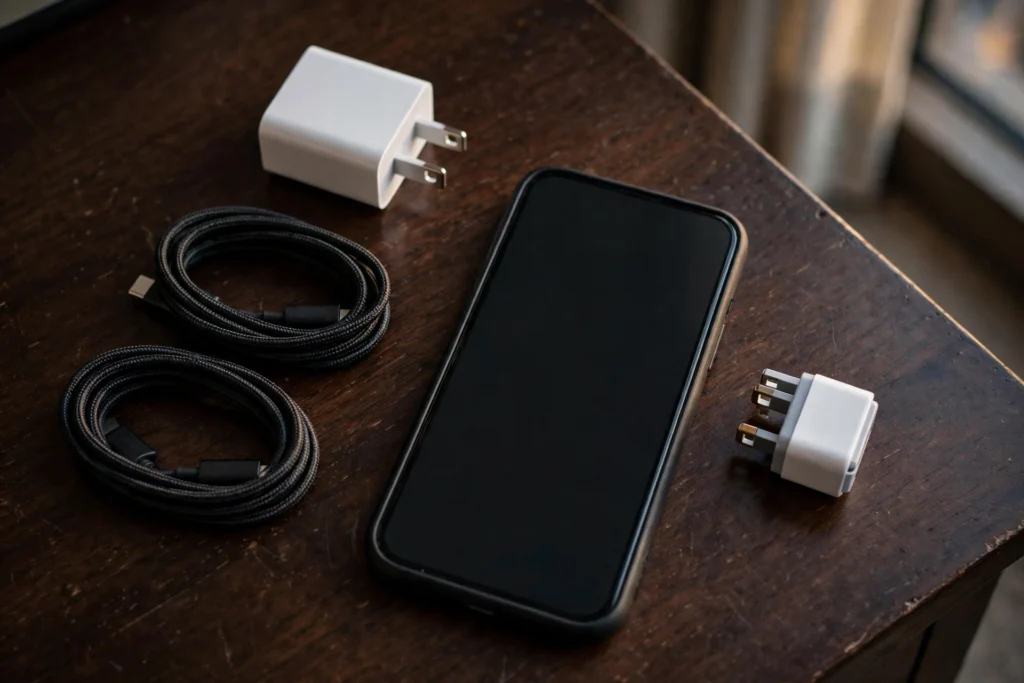
One charger for your laptop, phone and earbuds sounds too simple to be true — here are straight answers to the USB-C charging questions people ask most.
Key points
- Yes, you can charge a phone with a laptop charger — under USB Power Delivery the device takes only the power it requires, so a big brick never forces full output into a phone.
- Heat, not fast charging itself, is the battery’s main enemy — phones slow charging near full and protect themselves when temperatures rise.
- Abroad, check the label for 100–240V first; if it covers that range you normally need only a plug adapter, not a voltage converter.
Can I charge my phone with a laptop charger? Yes
A bigger charger offers power; it does not push it.
It will not fry your phone, provided both speak USB Power Delivery. The USB Implementers Forum (USB-IF), which writes the standard, says Power Delivery lets each device “take only the power it requires” — and lets low-power devices “negotiate for only the power they require”.
The charger advertises what it can offer, the phone asks for what it accepts, and charging happens at that agreed level. A laptop charger that can deliver far more simply never gets asked for the extra. Apple agrees: its USB power adapters for iPad and Mac notebooks can charge an iPhone. See our pillar guide, USB-C fast charging explained.
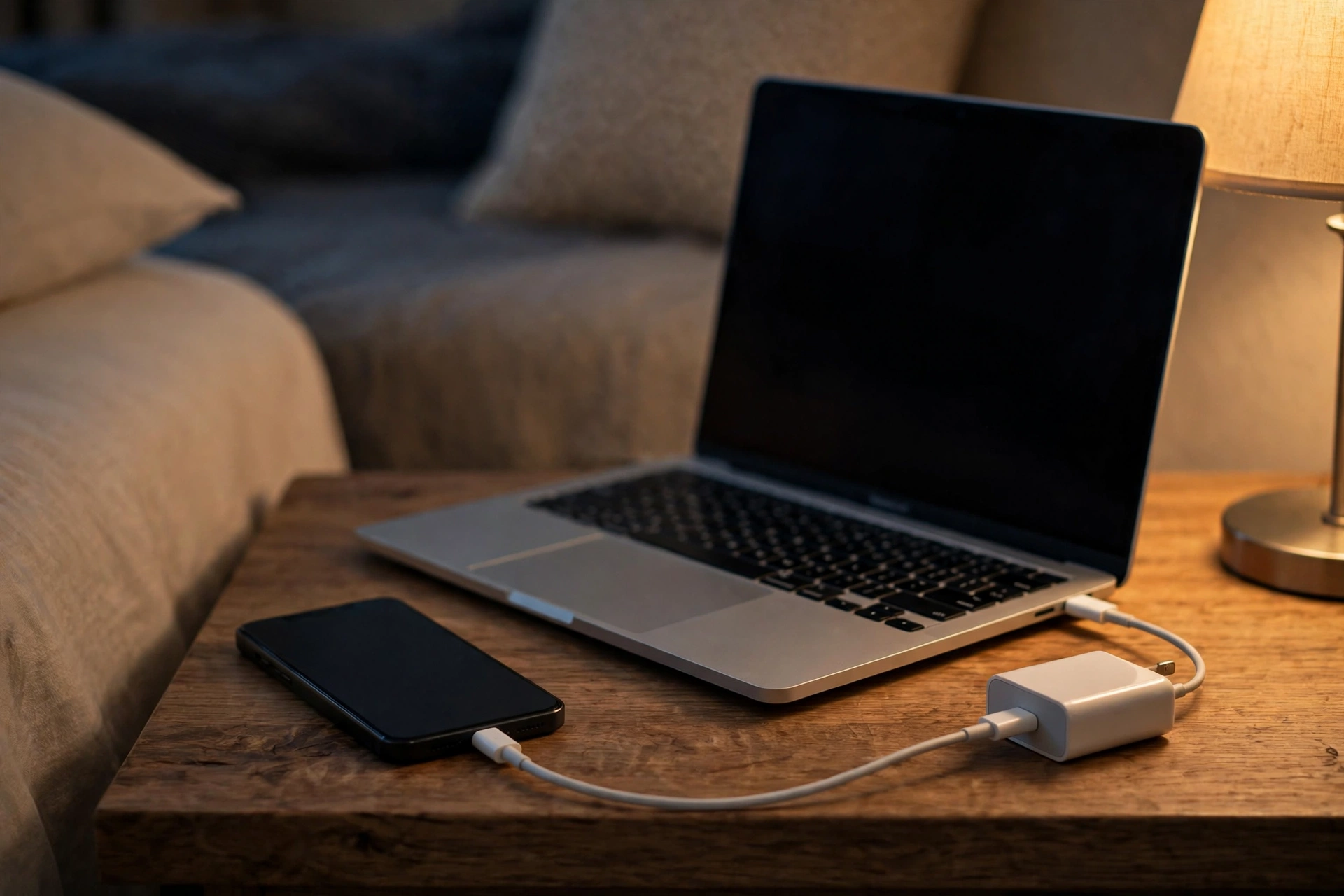
Does fast charging damage battery health? Heat matters more
Warmth is normal; sustained heat is the real problem.
Fast charging gets blamed for every ageing battery, but the makers blame heat instead. Samsung says that during fast charging a device “may feel hotter to the touch”, that this “does not affect the device’s lifespan or performance” within its normal operating range.
Apple frames it the same way. A battery warms up as it charges, which can reduce its lifespan, so an iPhone “gradually reduces the charging current as the battery approaches full charge”. Apple also warns against charging in ambient temperatures higher than 35°C, which can permanently reduce battery lifespan. Fast charging itself is managed by the phone — charging on a hot dashboard, under a pillow, or while gaming hard is what genuinely stresses a battery.
Why does charging slow down after 80%? It is protection
The last stretch is deliberately gentle by design.
If your phone races to 80 per cent then crawls, nothing is broken. As Apple explains, charging current is gradually reduced as the battery approaches full charge, partly to manage heat. Google gives the same reason in reverse: a Pixel charges faster when its battery is low, because it can take in more power then.
Phones also deliberately hold back the final stretch on long charges. Apple’s Optimised Battery Charging reduces the time spent fully charged, finishing just before you usually unplug. Samsung’s Adaptive battery protection uses its Maximum setting while you sleep, and Google’s Adaptive Charging on Pixel does a similar job. Still slow in normal conditions? Our guide to why your phone is charging slowly covers the other usual causes.
Can I leave my phone plugged in overnight? Yes
Modern phones stop at full by themselves.
The old fear was overcharging: power endlessly pumped into a full battery. Modern phones do not work that way. Apple states it plainly: an iPhone “automatically stops charging when the battery is fully charged, so it’s safe to keep your iPhone connected to a charger overnight”, and charging only resumes if the level drops below 95 per cent.
The caveat is time spent sitting at full. Samsung notes that keeping a battery at 100 per cent for a long time can reduce its lifespan, which is why those overnight features exist: holding lower overnight and topping up before your alarm is kinder than sitting at full for eight hours. In practice: plug in overnight without guilt, turn on the optimised setting, and keep the phone somewhere cool rather than buried in bedding.
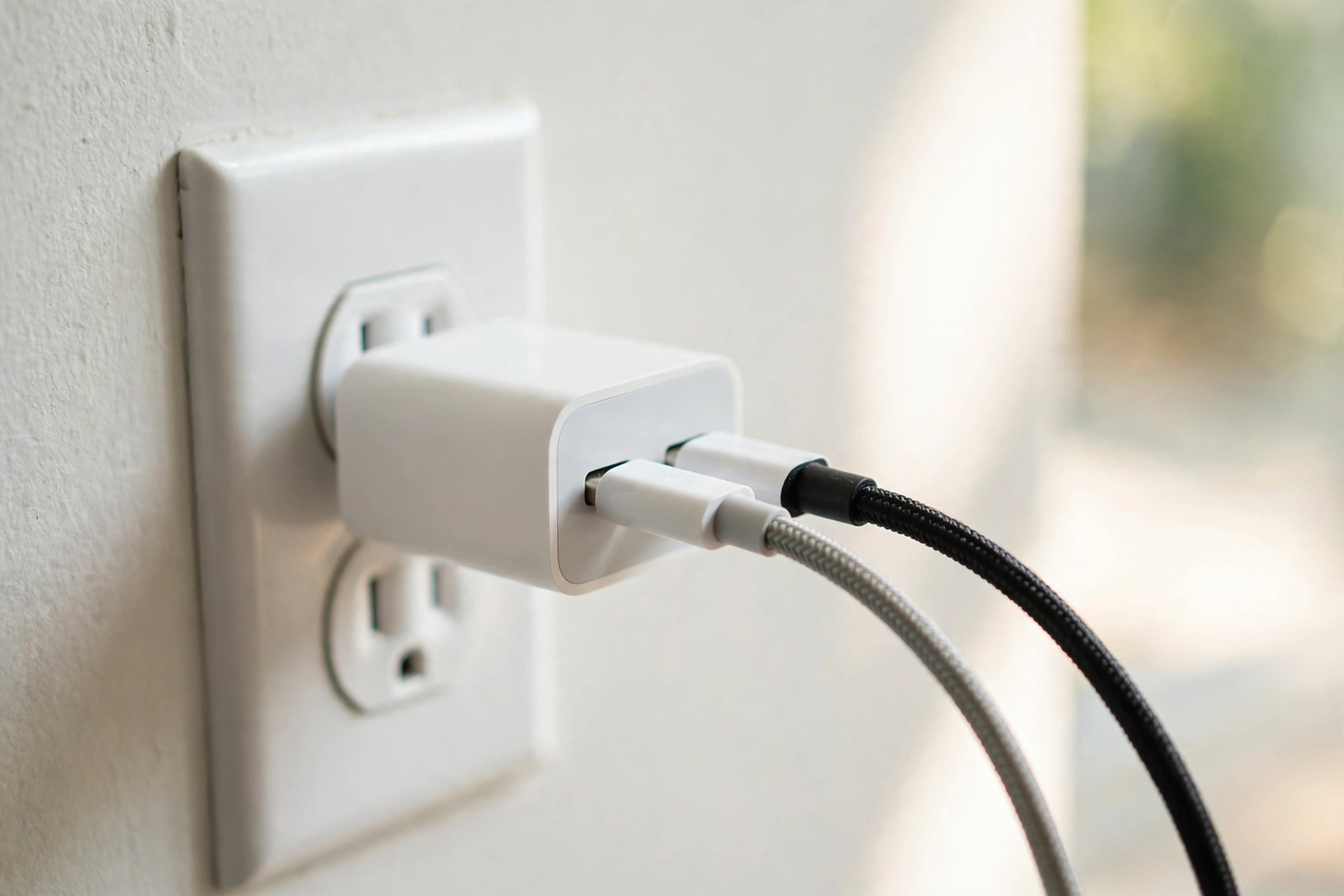
Can I mix brands? Yes — with certified chargers
The standard is shared; cheap brick quality is not.
USB-C Power Delivery is a shared standard, not a brand lock-in. A PD charger from one reputable maker can charge another maker’s phone, tablet or laptop, because negotiation works the same way regardless of the logo on the brick. Apple, for example, says third-party adapters can be used with iPhone when they comply with applicable regulations and safety standards.
Where mixing goes wrong is quality, not branding. Samsung advises using Samsung-approved chargers and cables, and warns that unapproved ones may cause problems or damage not covered by warranty. The real risk is the unmarked market-stall brick with no certification, not a reputable cross-brand PD charger. Pair it with a rated cable — our comparison of 60W vs 100W vs 240W USB-C cables shows why the cable can cap your speed.
Can I use any USB-C charger abroad? Check for 100–240V
Most chargers are universal-voltage; only the plug changes.
Before any trip, flip your charger over and read the fine print — the input line. Apple, for instance, lists the recommended line voltage for adapters used with its phones as 100 to 240 VAC, covering the mains supply in most countries. If your charger shows a range like that, it handles the local voltage by itself, and what you actually need is a simple travel adapter that changes the plug shape — not a voltage converter.
If the label shows a single voltage only, be careful: plugging it into a higher-voltage supply abroad can damage it, so use a proper converter or, simpler, a different charger. One good multi-port charger plus a plug adapter covers a phone, earbuds and a laptop from a single hotel socket. Our guide on how to choose a fast charger for your phone helps before you pack.
What this means
One good charger can run your whole bag.
Most charging anxiety comes from a very ordinary moment. You are packing the night before a trip, the laptop charger is already in the bag, and you stand there holding the phone charger as well, wondering whether you are about to damage something whichever way you choose. Or it is midnight, the phone is at 12 per cent, and the only brick within reach is the big one from your laptop. That hesitation is completely understandable — for years, chargers genuinely were matched pairs, and the warnings on old packaging trained us to be nervous.
USB-C Power Delivery was designed to end exactly that worry. The negotiation is the reassurance: the phone asks, the charger offers, and neither side can bully the other. In our view, that makes the one-charger travel kit not a risky shortcut but the sensible default. One reputable PD charger, one cable you trust, and a plug adapter for the destination will handle a phone, earbuds and most laptops without drama — and your bag gets lighter as a bonus.
The battery-health questions deserve the same calm. In our view, people worry about the wrong villain. Fast charging has a scary name, but your phone already throttles itself near full, pauses when it gets too warm, and offers overnight modes that hold the battery lower until just before you wake. The unglamorous habits matter more: do not charge under a pillow, do not bake the phone on a sunny windowsill, switch on the optimised charging setting once and forget about it, and unplug when it is full if you happen to be nearby.
None of this asks you to baby your phone. Batteries are consumable parts that age with use, and every maker above is open about that. The aim is simply to stop the few habits that age a battery early, drop the ones based on myths, and let the standards your devices already share do the heavy lifting — at home, overnight, and in a hotel room on the other side of the world.
Bottom line
Trust the negotiation, respect heat, read the label.
Yes to the laptop charger, yes to mixing reputable USB-C PD brands, and yes to overnight charging with the optimised setting on. Worry less about fast charging and more about heat, buy certified chargers and rated cables, and check for 100–240V before any trip — then a simple plug adapter is all you need abroad.
Related Guides
Go deeper on charging and cables.
- USB-C Fast Charging Explained: Watts, PD and PPS
- How to Choose a Fast Charger for Your Phone
- 60W vs 100W vs 240W USB-C Cables: What the Ratings Actually Mean
Read Next
More charging explainers.
- Why Is My Phone Charging Slowly? Causes and Fixes
- How to Choose a Fast Charger for Your Phone
- USB-C Fast Charging Explained
Sources
The primary documents behind these answers.