Home Wi-Fi FAQs: Hiding Your Network Name, Router Placement and When to Replace a Router
- Standfirst (first paragraph of content.html): "Hiding your network name does not make your Wi-Fi safer, a router in the corner cannot cover the home, and a router that cannot run modern encryption is telling you it is time to replace it.
Hiding your network name does not make your Wi-Fi safer, a router in the corner cannot cover the home, and a router that cannot run modern encryption is telling you it is time to replace it.
Key points
- Hiding the SSID brings no security benefit, says Apple — a strong password and WPA3 or WPA2-AES do the real work.
- Place the router centrally, off the ground and in plain view, away from objects that block the signal.
- If a router cannot offer WPA3 Personal or WPA2 with AES, CISA’s answer is an upgrade from your provider or a new router.
Every home network accumulates the same handful of puzzles. A setting promises to hide your network name and sounds like a lock, but is it one? The router lives wherever the installer left it, a corner, and one bedroom has paid the price ever since. These are the questions readers ask us most about home Wi-Fi security, so here are straight answers, each checked against official guidance from CISA, the FTC, Apple and Google.
Does hiding your network name (SSID) actually make you safer?
No — the name is not a password, and hiding it can make connections worse.
Short answer: no. CISA’s advice about the SSID is to change the default name to something of your own, without sensitive or identifying personal information in it — a default name can alert an attacker to known vulnerabilities of that router model. Notice what CISA does not advise: switching the name off — its protection comes from the password and the encryption, not concealment.
Apple is blunter still. Its guidance on optimising Wi-Fi networks says to avoid using hidden SSIDs, because hiding the SSID brings no security benefit — attackers can simply learn the SSID from other management traffic, such as probe requests and responses. Hiding can also delay joining, hinder roaming, and use more battery power than a broadcast SSID. The honest verdict: a hidden name costs convenience and buys nothing. Rename the network to something neutral, leave it visible, and spend your effort on the passphrase instead — the approach in our guide to WPA2, WPA3, guest networks and WPS.
Where should the router actually go?
Central, off the ground and in plain view — not in a cupboard or a corner.
Google’s placement guidance for its Nest Wifi and Google Wifi devices puts it clearly: if possible, place your router off the ground and in plain view, like on a shelf or TV stand, in a central location at eye level. Your router needs to be connected to a modem, Google notes, and cable lengths may limit where it can go — which explains the corner most routers end up in.
For extra mesh points, Google says to place each one about halfway towards the area where you want a stronger signal, but no more than two rooms away from the router or another point, in an open area away from objects that might physically block the signal. Its coverage advice adds that points perform better when they can see each other, and that avoiding obstructions like walls, doors and aquariums can improve performance. The translation is simple: a router shut in a cabinet or exiled to the far end of the house is fighting your home instead of serving it.
When is a router due for replacement?
When it cannot run WPA3 Personal or WPA2 with AES, CISA says upgrade or replace.
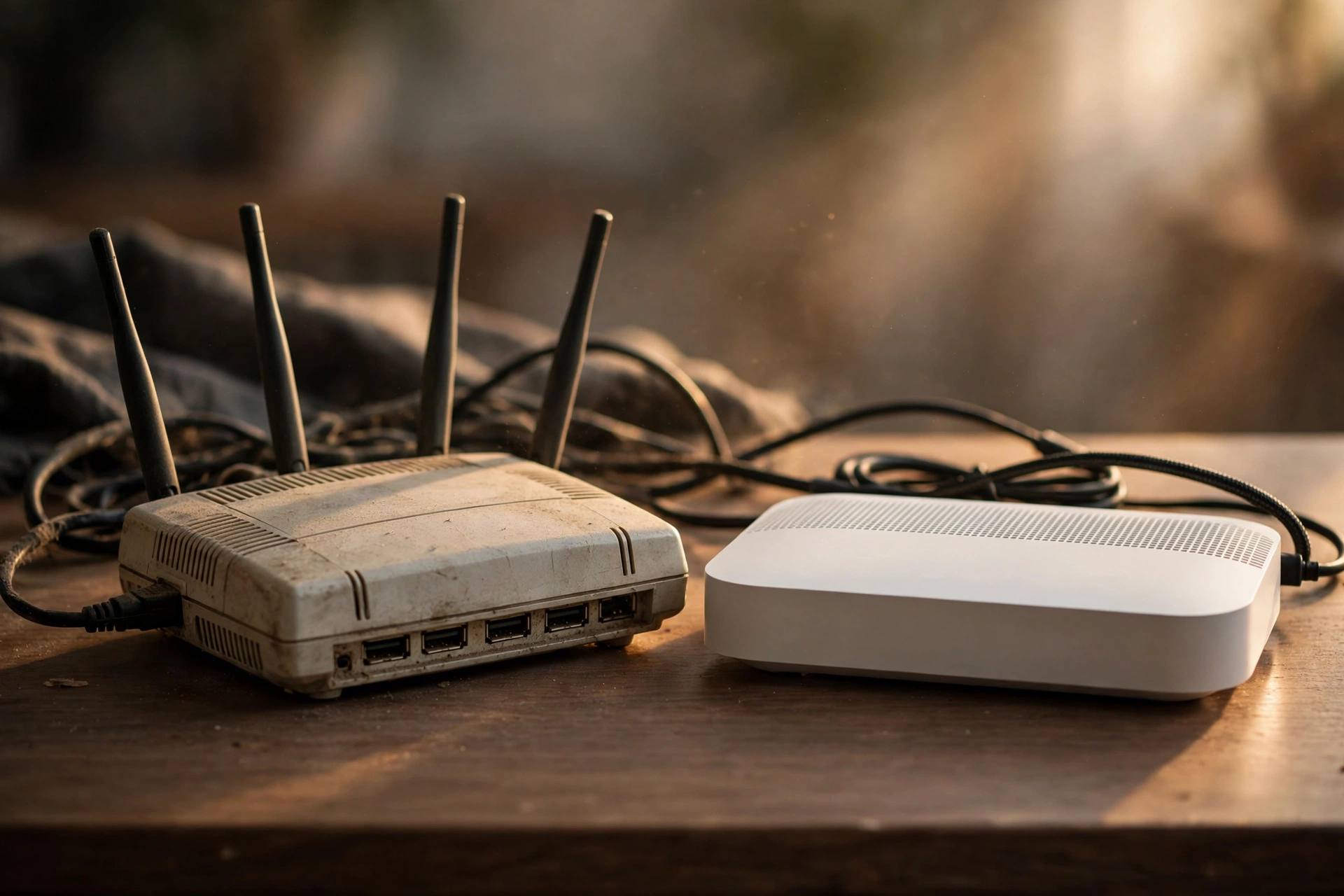
CISA gives the clearest test we have found, and it is about encryption rather than age. Check which forms your router offers. If it is open — no encryption at all — or uses an older generation such as WEP, WPA, or WPA2 with TKIP, CISA says you should contact the internet service provider that provided your router to request an upgrade, or consider purchasing a new router. WPA3 Personal and WPA2 AES are, in CISA’s words, the only two forms of encryption considered safe and secure.
Two softer signs point the same way. CISA advises checking firmware for updates, because routine updates protect against known vulnerabilities, and the FTC likewise says to keep checking for updates — a router whose maker no longer offers them has quietly stopped receiving those protections. Age alone is not the verdict, though; the encryption menu is. Check it before you shop, and the old box may still pass.
What is the difference between a modem and a router?
The modem brings the internet into the home; the router shares it around the home.
These two get confused because they so often sit in the same place, and sometimes in the same box. CISA defines the router’s job: routers enable your other devices — phones, laptops and smart devices — to connect wirelessly to the internet. Google’s guidance shows the chain from the other end: your router needs to be connected to a modem. So the modem links your home to your provider’s network, and the router shares that single connection, wired and wirelessly, with everything you own. When a provider supplies one combined unit, it is doing both jobs at once — which is why its settings page holds both the connection details and the Wi-Fi controls.
Is restarting the same as resetting?
No — a restart keeps your settings; a reset wipes them back to the defaults.
No, and mixing them up causes real headaches. Restarting — switching the router off, waiting a few moments and switching it on again — gives the box a fresh start. Your name, password and settings all survive, and devices reconnect by themselves. It is the safe first step whenever the connection misbehaves.
Resetting is the factory option, usually a small recessed button, and it returns the router to its out-of-the-box state: default name, password and administrator login — the details on the sticker. CISA’s warning explains why that matters: anyone with physical access to your router could perform a factory reset and use the default information displayed on the router to gain access to the network, which is also why CISA advises storing the router in a secure physical location. So reset only when you mean it, and set everything up again from scratch afterwards — new passwords included.
What this means
Most Wi-Fi folklore dissolves the moment you check what the official guidance actually says.
What this means, if we step back from the individual answers, is that home Wi-Fi runs on a surprising amount of inherited folklore. The hidden network name is the perfect example: it feels like security, it sounds like something a careful person would do, and people have recommended it to each other for years with complete confidence. Yet the two most authoritative voices in this article — a US security agency and the maker of the phones in half our pockets — both land in the same place: it does not protect you, and it may quietly inconvenience you. That pattern repeats everywhere in this topic. The setting with the dramatic name rarely matters. The boring one — a long passphrase, current encryption, an updated box in a sensible place — almost always does.
There is something reassuring in that, in our view. You do not need to outsmart anyone. You need a Saturday-morning hour, a shelf in the middle of the home, and the willingness to read one settings page honestly: does this box still offer the two forms of encryption CISA trusts, and does it still receive updates? If yes, your remaining jobs are placement and passwords, both free. If no, the decision has kindly been made for you, and it is the same decision our guide to telling whether someone else is using your Wi-Fi ends with — an old, unsupported router is not a bargain, it is a liability with blinking lights.
And keep the modem question and the reset button in the back of your mind for the day something breaks, because that is when they stop being trivia. The person who knows which box does what, and which button must never be pressed absentmindedly, fixes the problem in minutes while everyone else is still unplugging things at random. Small knowledge, calmly held, is most of what a well-run home network actually is.
Bottom line
Leave the name visible, move the box to the middle, and replace it when encryption runs out.
In our view, the answers all point one way: rename your network, do not hide it; put the router centrally, raised and in the open; restart freely, reset rarely; and when encryption tops out below WPA2 with AES, replace the router. Do those four things and home Wi-Fi questions answer themselves.
Related Guides
Keep reading in this series.
- Home Wi-Fi Security Explained: The Router Settings That Actually Protect Your Home
- WPA2 vs WPA3, Guest Networks and WPS: What the Wi-Fi Security Settings Actually Mean
- How to Tell If Someone Else Is Using Your Wi-Fi (and How to Remove Them)
Sources
Official guidance opened and checked for this article.