How to Choose a Fast Charger for Your Phone: A Step-by-Step Buying Checklist
You bought a charger that promised fast charging, plugged in, and watched the percentage crawl — frustrating, and annoyingly common. The fix is rarely...
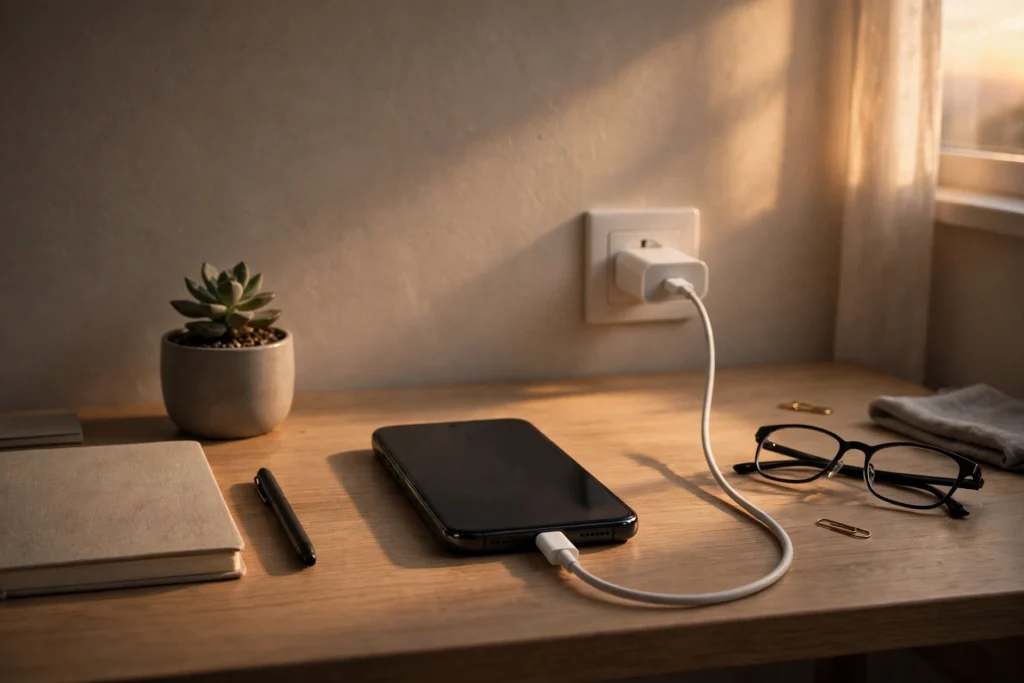
You bought a charger that promised fast charging, plugged in, and watched the percentage crawl — frustrating, and annoyingly common. The fix is rarely mysterious: match the charger to what your phone accepts, check for USB PD and PPS where it matters, and pick a cable that can carry the power.
Key points
- Your phone decides how much power it takes — a bigger charger cannot make it charge faster than it supports.
- Galaxy and Pixel phones need PPS for their fastest speeds; iPhones use standard USB PD and do not.
- The cable can be the bottleneck: a standard cable stops at 60W, and an unrated one counts as 60W.
Step 1: Your phone sets the speed limit, so check what it supports first
Start with the phone’s guidance, not the box.
Every phone has a ceiling no charger can push past. Apple says an iPhone 15 or later fast charges with an Apple 18W or greater USB-C adapter, or a comparable third-party adapter supporting USB Power Delivery. Samsung splits Galaxy charging into tiers — not every model supports the higher ones — and Google gives similar Pixel guidance. Our guide to USB-C fast charging, watts, USB PD and PPS covers the standards in full.
Step 2: Wattage is a ceiling, not a promise — match it to the phone
Extra wattage is headroom, never forced power.
Watts are volts multiplied by amps — the most a charger can offer. Your phone decides how much it takes, so extra wattage is never forced in, nor will it make a slower phone fast. Basic USB-C without a fast standard tops out at 15W. Apple says iPhone 17, 17 Pro and 17 Pro Max reach up to 50% in around 20 minutes with a 40W adapter or higher; iPhone 17e and iPhone Air use 20W or higher for up to 50% in around 30 minutes. Buy for that ceiling, with a little headroom.
Step 3: USB PD is the baseline, and PPS is what Galaxy and Pixel need for top speed
A voltage range on the label means PPS.
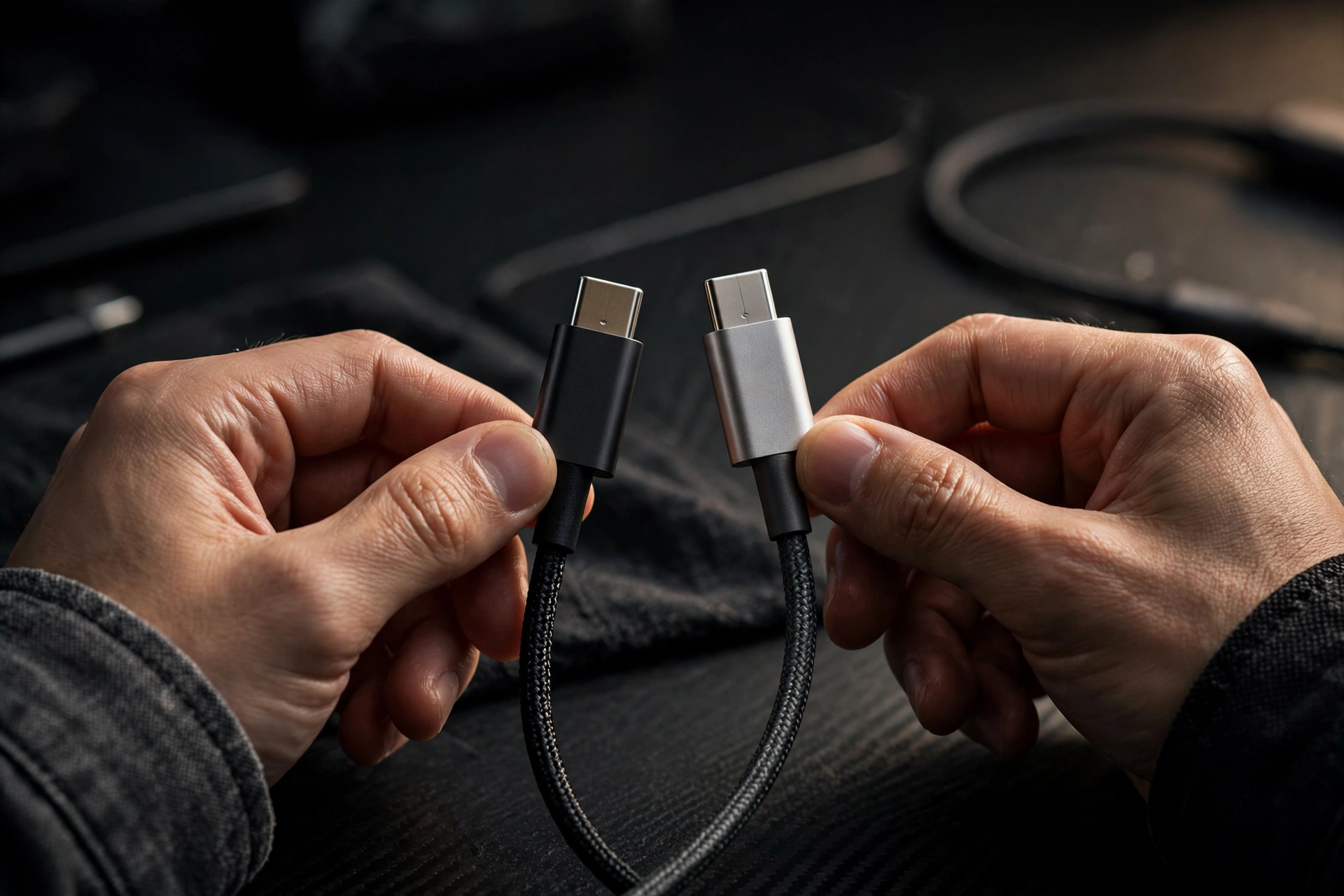
USB PD is the shared language most modern phones use: fixed steps of 5V, 9V, 15V and 20V up to 100W, with PD 3.1 EPR extending to 240W for large devices. PPS is a finer, adjustable version. Samsung says Super Fast Charging is 25W with USB-C PD and PPS, 2.0 is 45W, and 3.0 is 60W with USB-C PD 3.1 PPS. Google says a Pixel can use a PPS adapter rated 30W or more, or other USB PD adapters rated 15W or more. PPS shows as a voltage range, such as 3.3–11V; fixed voltages only means no PPS. In our view, the most missed detail: iPhones do not need PPS, but a Galaxy or Pixel without it may never reach top speed.
| Phone family | Charger type | PPS needed? | Cable note |
|---|---|---|---|
| iPhone (15 or later) | USB-C, 18W+, USB PD | No — standard USB PD | Follow Apple’s model guidance |
| Samsung Galaxy | USB-C PD — 25W, 45W for 2.0, 60W for 3.0 | Yes, for Super Fast Charging | 45W tier needs a compatible 5A cable |
| Google Pixel | Google 30W, 45W or 67W; or PPS 30W+; or USB PD 15W+ | Yes, for fastest speeds | USB-C to USB-C beats USB-A to USB-C |
Step 4: The cable can quietly cap your speed, so pick it by its amp rating
No stated rating? Assume 60W.
Two cables can look identical and behave differently. A standard USB-C cable is limited to 3A — 60W at most. Cables rated 100W or 240W carry 5A and contain an e-marker chip. Samsung says 45W Super Fast Charging 2.0 needs a compatible 5A cable. Google notes USB-A to USB-C is slower than USB-C to USB-C. Use a clearly rated cable, and check that 5A rating before blaming the charger.
Step 5: A multi-port charger shares its total, so check the split
Headline wattage is shared, not per port.
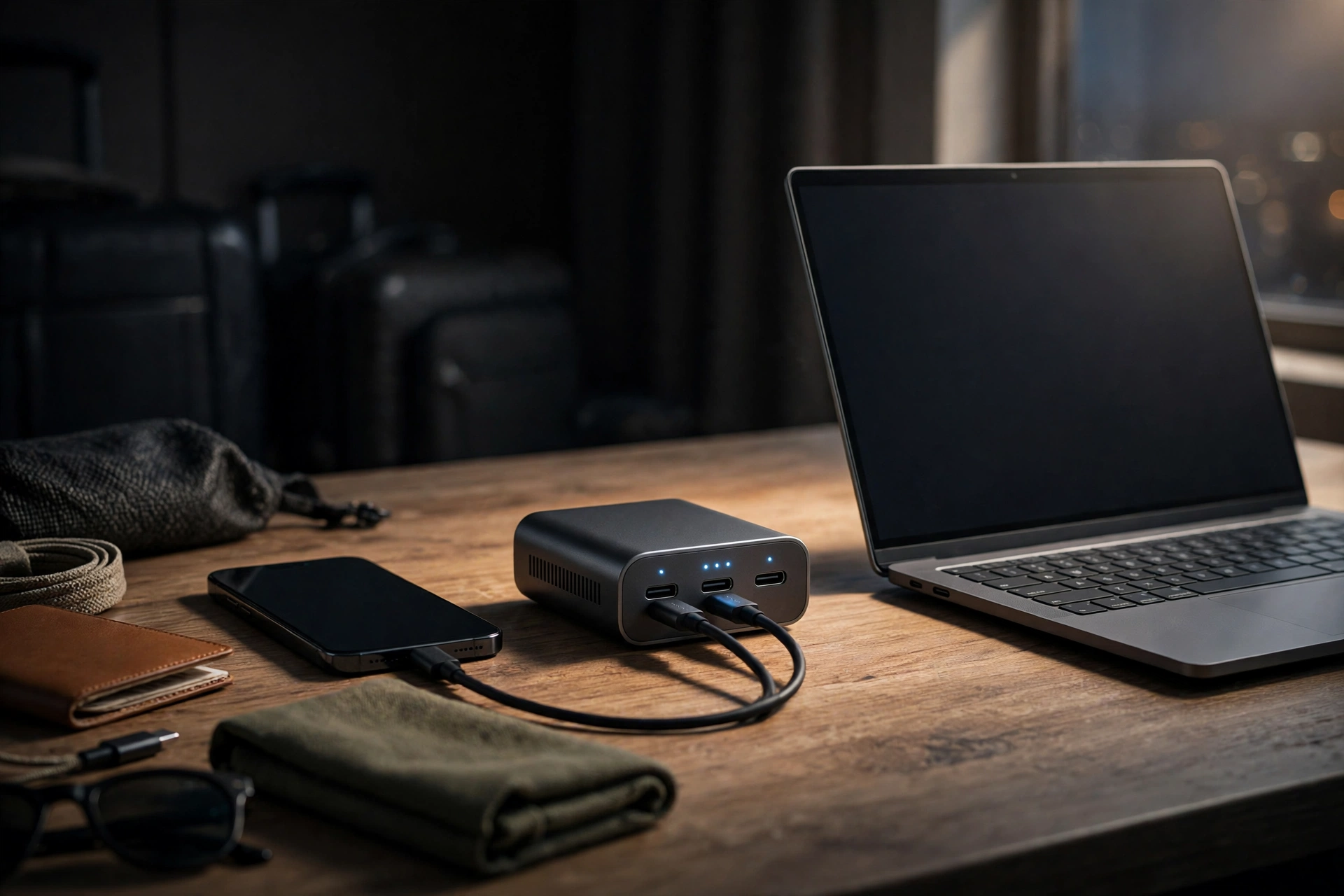
Multi-port chargers are handy — one plug for a desk, hotel or train beats a bag of bricks. But total wattage is shared across ports, so check the split when two ports are used. Generous for one phone can feel slow with a second device plugged in. Not a flaw; just how they work. Mainly charge one phone? Go single-port. Regularly charge two? The split matters more than the big front number.
Step 6: An unbranded charger is a false economy — check safety and condition
Clear labelling is worth paying for.
No-name chargers deserve real caution. Choose one with clear specifications, proper safety and certification information for your region, and a contactable seller. Heed the phone’s warnings: Google says a Pixel’s “Check charging accessory” warning means the cable or adapter may be unsupported or damaged, causing very slow charging. Apple adds fast charging may not work when a phone is too hot or too cold. If why your phone may still charge slowly sounds familiar, check temperature and cable first.
Step 7: A 60-second label check before you pay prevents most mistakes
Phone, watts, PD or PPS, cable — in that order.
Before you buy, run through the label. One: does it suit my exact model? Two: is the wattage at, or sensibly above, what my phone can use? Three: USB PD — and PPS, shown as a voltage range, for a Galaxy or Pixel? Four: is the cable rated for the job, 5A where needed? Check a multi-port split too. Any vague answer is your answer: walk away. A boring minute now prevents a month of slow charging.
What this means: buying right once beats owning five almost-right chargers
The real win is not a few saved minutes — it is ending the daily guesswork.
Most of us have that drawer. You know the one: a tangle of old cables, a charger from a phone you no longer own, another borrowed from somewhere and never returned, and at least one that charges so slowly you only use it when desperate. Every rushed morning seems to involve picking the wrong one. That small, repeated frustration is the real problem this checklist solves, far more than any single charging-time figure. A good charger by the bed, the same good charger remembered in your bag, and a cable you actually trust — that is the unglamorous goal here, and it is worth more than a headline speed you will rarely notice.
In our view, fast charging has been sold backwards. Marketing shouts about the charger, as if speed lives in the little white brick, when the phone, standard and cable all get a vote. Once you see that, shopping gets quieter. You stop asking “what is the fastest charger?” and ask: “what does my phone actually accept?” That saves money — no paying for wattage your phone will never use — and ends the annoyance of a supposedly fast setup feeling sluggish.
Travel makes the point sharply. One well-chosen charger and one properly rated cable can cover home, work and a hotel room where the only free socket is behind the bed. No swapping chargers between rooms, no carrying three just in case, no watching a low battery while waiting for a delayed train. Buying right turns charging into something you barely think about — exactly what good everyday technology should do.
Honestly, though, even the right charger will not make every charge feel instant — and that is fine. Phones protect themselves in heat and cold, cables wear out, and an older phone charges at an older phone’s pace. Set expectations by your model’s guidance and you will not feel cheated. And as phones do more on-device work — see our explainer on smartphone AI features — predictable charging matters more, not less.
Bottom line: match the phone first, then the standard, then the cable
Phone, standard and cable must all agree.
Check what your phone supports, choose USB PD — plus PPS for a Galaxy or Pixel — match wattage to the phone, not the marketing, and use a properly rated cable. Do that, and fast charging stops being a lottery.
Related Guides
More charging guides, minus the guesswork.
- USB-C Fast Charging Explained: Watts, USB PD, PPS and the Cable That Decides Your Speed
- Why Is My Phone Charging Slowly? Causes and Fixes
- Smartphone AI Features Explained
Read Next
Two more guides worth your time.
- USB-C Fast Charging Explained: Watts, USB PD, PPS and the Cable That Decides Your Speed
- Smartphone AI Features Explained
Sources
The official guidance behind this checklist.