60W vs 100W vs 240W USB-C Cables: What the Ratings Actually Mean
<p>Three cables in your drawer can look completely identical and still have very different power limits — here is how the 60W, 100W and 240W ratings work, and which one you really need.</p>
Key points
- Every USB-C to USB-C cable supports at least 60W (20V × 3A); anything above that needs a 5A cable with an e-marker chip.
- 240W arrived with USB PD 3.1 Extended Power Range at 48V × 5A, and certified logos now come in only two kinds: 60W and 240W.
- The rating is a ceiling, not a promise — your device decides how much power it takes, and power says nothing about data speed.
Watts are simply volts multiplied by amps
The rating is basic maths, and the device stays in charge.
Start with the one formula that explains everything here: watts equal volts multiplied by amps. A 60W cable carries 20V at 3A, a 100W cable 20V at 5A, and a 240W cable 48V at 5A. Same plug, same shape, very different ceilings.
That word — ceiling — matters. The cable does not push power into your device. The device decides how much power it takes; the charger and cable simply have to supply it, and the lowest limit in the chain wins. Our pillar guide, USB-C fast charging explained, shows how the three negotiate. So read a big box number as “up to”, never “always”: a 240W cable will not charge an ordinary phone any faster.
60W is the baseline every USB-C cable must meet
Three amps at 20V is the guaranteed minimum, with no special chip required.
Every USB-C to USB-C cable must support at least 3A — 60W at 20V. That is not a premium feature; it is the floor. At 3A no e-marker chip is needed: that is the small chip inside some plugs that tells the charger what the cable can safely handle.
Practically, 60W covers all phones and most tablets and thin laptops. For a phone overnight, a tablet on the sofa or a slim laptop at a desk, a basic 60W cable is genuinely enough. And treat any unrated or unmarked cable as 60W (3A) until proven otherwise — that one habit prevents most disappointments.
100W means a 5A cable — and 5A needs an e-marker
Without the chip declaring 5A, the charger quietly caps the cable at 60W.
Before USB PD 3.1, Power Delivery topped out at 100W. As the USB-IF puts it: “Prior to this update, USB PD was limited to 100W using a solution based on 20V using USB Type-C cables rated at 5A”. Beyond 60W, a cable must carry 5A instead of 3A.
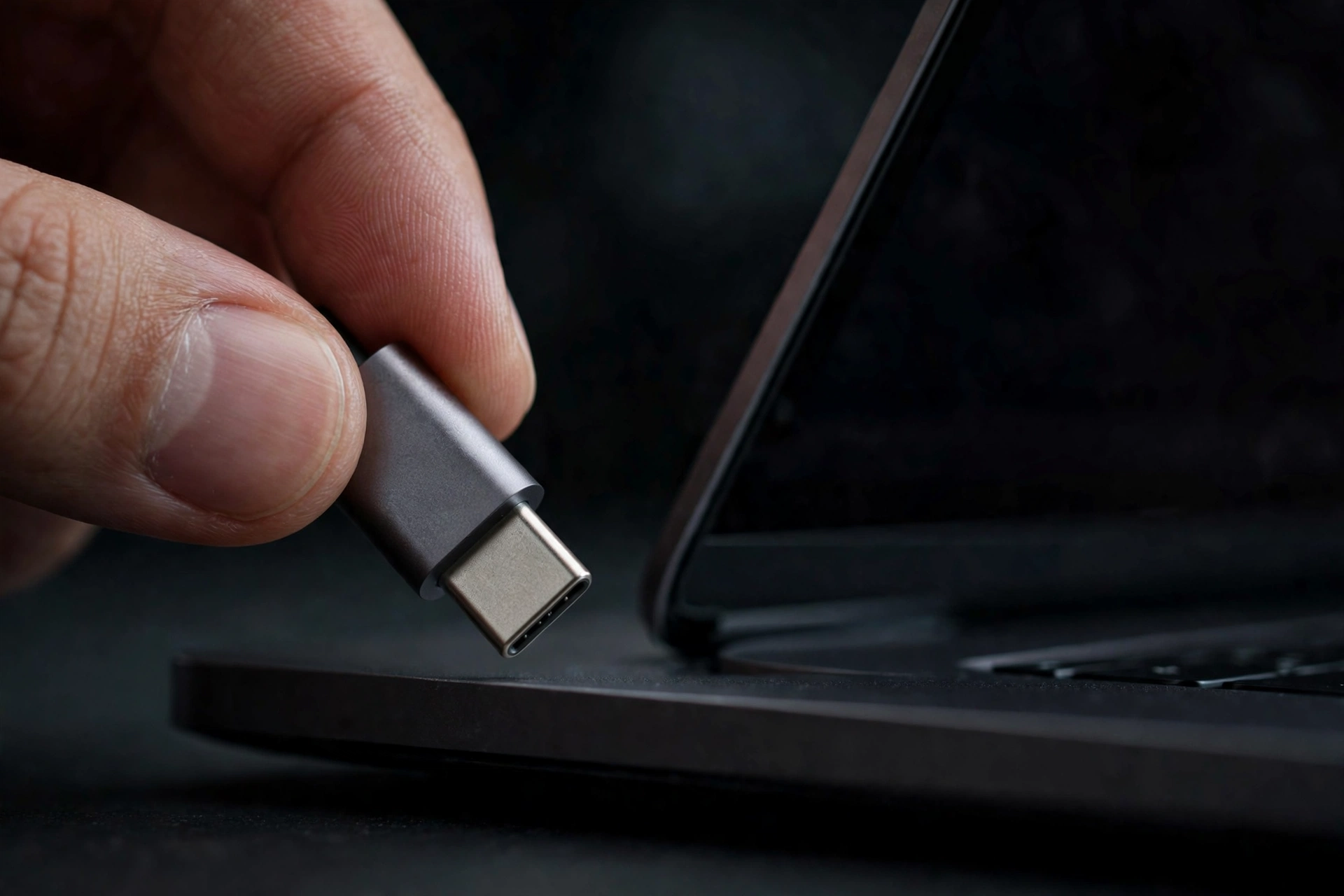
A 5A cable must contain an e-marker chip declaring that rating. Without one, the charger has no proof, so it treats the cable as 3A and caps it at 60W — however thick it looks. Larger laptops are the main reason to need 5A, plus one phone exception: Samsung’s 45W Super Fast Charging 2.0 needs a 5A cable, so a 3A cable holds it back even with the right charger.
240W is Extended Power Range, built for big machines
USB PD 3.1 raised the voltage, not just the headline number.
The 240W class arrived with USB Power Delivery Revision 3.1, announced in 2021, as Extended Power Range (EPR). Instead of pushing more current, EPR raised the voltage, adding fixed voltages of 28V for 140W, 36V for 180W and 48V for 240W.
EPR cables need an EPR-capable e-marker, so the charger can confirm the cable is built for those voltages before offering them. The class is aimed at high-power laptops and workstations, plus future-proofing. Very few phones need more than 60W from the cable, so buy EPR for big machines — not in hope it makes a handset faster.
The three ratings, side by side
One table for the drawer, the desk and the laptop bag.
| Rating | Voltage × Amps | E-marker needed? | Certified logo today | What it is for |
|---|---|---|---|---|
| 60W | 20V × 3A | No | 60W | All phones, most tablets and thin laptops |
| 100W | 20V × 5A | Yes — 5A e-marker | None — predates the current logo scheme | Larger laptops; Samsung 45W Super Fast Charging 2.0 |
| 240W | 48V × 5A (EPR) | Yes — EPR-capable e-marker | 240W | High-power laptops, workstations, future-proofing |
Above 60W, everything depends on the e-marker declaring what the cable can do — and the device at the end still decides what it actually draws.
Certified logos now come in only two kinds: 60W and 240W
That is why “100W” has quietly vanished from new certified packaging.
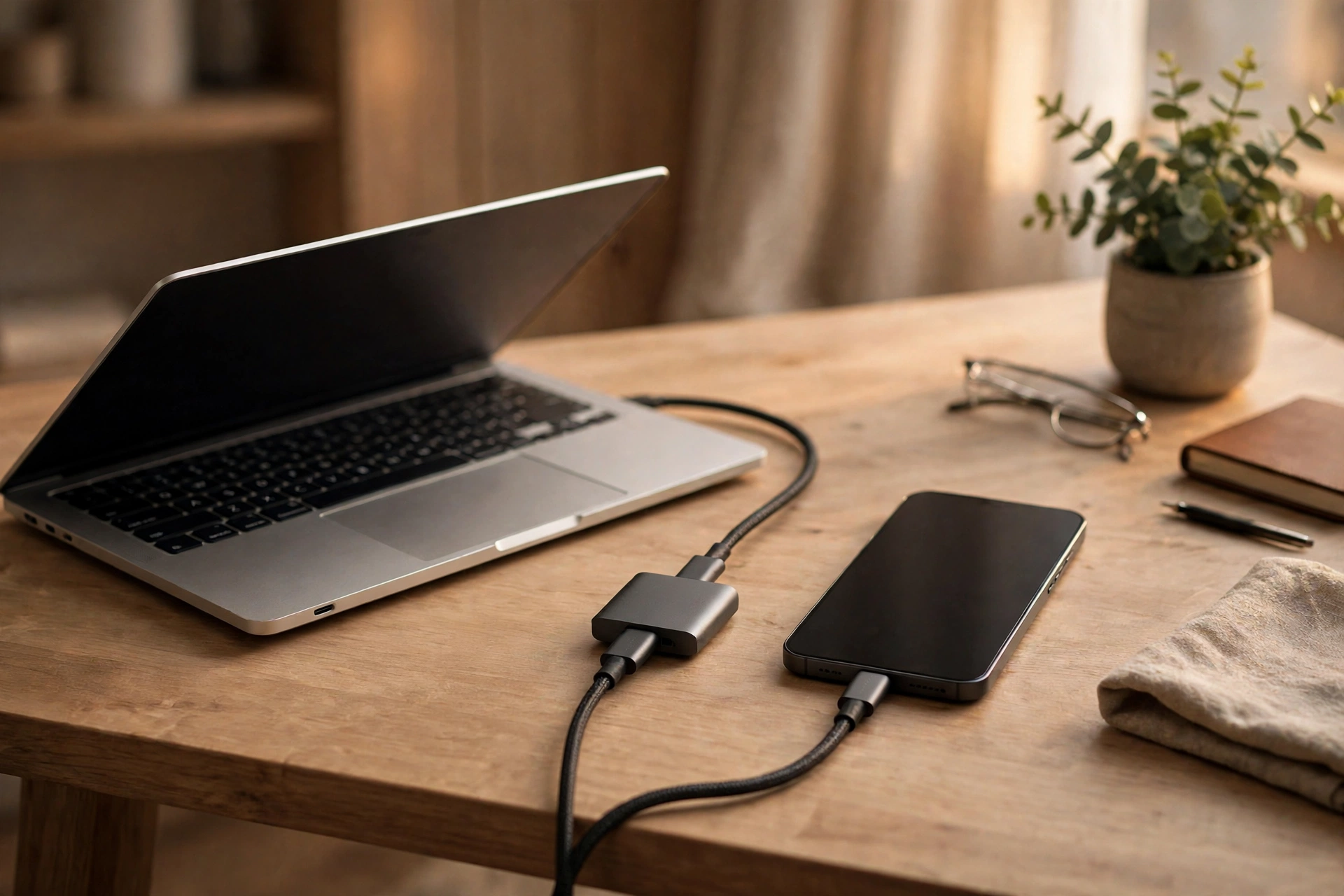
On 30 September 2021, the USB-IF announced new certified USB Type-C cable power rating logos in only two kinds: 60W and 240W.
Older cables sold as “100W” still work perfectly well as 5A cables; they simply predate the current logo scheme, and nothing needs replacing. A cable labelled 240W is, at heart, a 5A cable — the label describes its ceiling under EPR, not a promise your charger or phone will ever use 240W.
A powerful cable can still be slow for data
Power and data are separate ratings, so check both before you buy.
A cable’s power rating says nothing about data speed. A high-power charging cable can still transfer data at USB 2.0 speed — 480Mbps — which feels painfully slow for large files.
So if a cable will live in your laptop bag for charging and file transfers, check both numbers; if it only ever charges, the data rating hardly matters. And if charging itself feels slow despite good-looking numbers, our guide to why your phone is charging slowly covers the usual causes.
What this means
Buy for the biggest device you own, then stop worrying about cables.
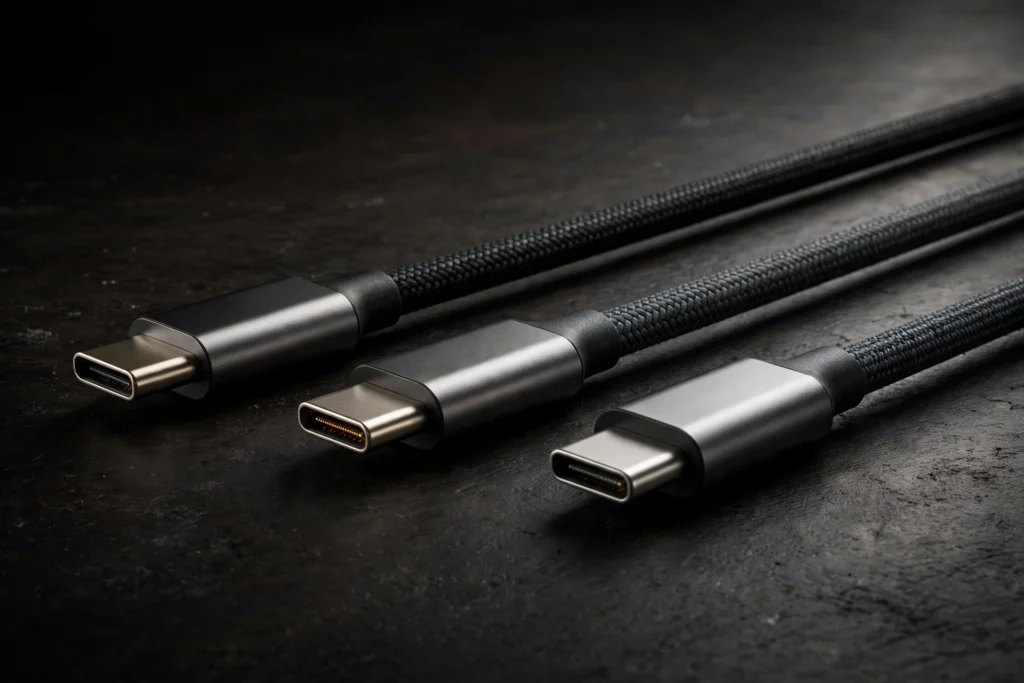
Let us be honest about a scene most of us recognise. There is a drawer, or a tangle behind the television, full of USB-C cables that all look exactly the same. Same black braid, same silver plug. You grab one, plug in a laptop that is nearly flat, and an hour later the battery has barely moved. The frustration is understandable, because nothing about its appearance told you it was a 60W cable being asked to do a bigger job. The labelling was designed for packaging you threw away months ago, not for that drawer.
The useful shift is simple: stop reading the number as a speed score and start reading it as a ceiling label for a specific job. For a phone, almost any honest cable clears the bar, because 60W covers all phones. For a tablet or thin laptop, the same is usually true. The moment a larger laptop enters the picture, or a Samsung phone that wants a 5A cable for 45W Super Fast Charging 2.0, the ceiling matters. One good 5A cable, clearly labelled and kept with the laptop, ends the guessing.
In our view, most people overspend at the wrong end of this market. Paying extra for a 240W cable to charge a phone buys nothing, because the phone decides what it draws and very few phones ask the cable for more than 60W. But one properly rated, clearly marked cable for each main spot — desk, bedside, travel bag — instead of a handful of mystery cables, is money genuinely well spent. Choosing the charger too? Our guide on how to choose a fast charger for your phone pairs neatly with this one.
There is also quiet comfort in how the system works. The e-marker rules mean a charger will not offer 5A or EPR voltages to a cable that has not declared it can handle them; the cautious default is built into the standard. So keep one known 5A or EPR cable for your biggest device, let plain 60W cables handle phones without guilt, and when an old cable’s rating is a mystery, assume the baseline rather than hoping for the best.
Bottom line
Match the ceiling to the device, and the rest takes care of itself.
Buy 60W for phones, tablets and thin laptops; a 5A 100W-class cable for larger laptops and Samsung 45W charging; and 240W EPR for high-power workstations or sensible future-proofing. Treat unmarked cables as 60W, check data speed separately, and remember the device always decides.
Related Guides
Go deeper on charging, watts and cables.
- USB-C Fast Charging Explained: Watts, PD and PPS
- How to Choose a Fast Charger for Your Phone
- Why Is My Phone Charging Slowly? Causes and Fixes
Sources
The primary documents behind the ratings above.