USB-C Fast Charging Explained: Watts, USB PD, PPS and the Cable That Decides Your Speed
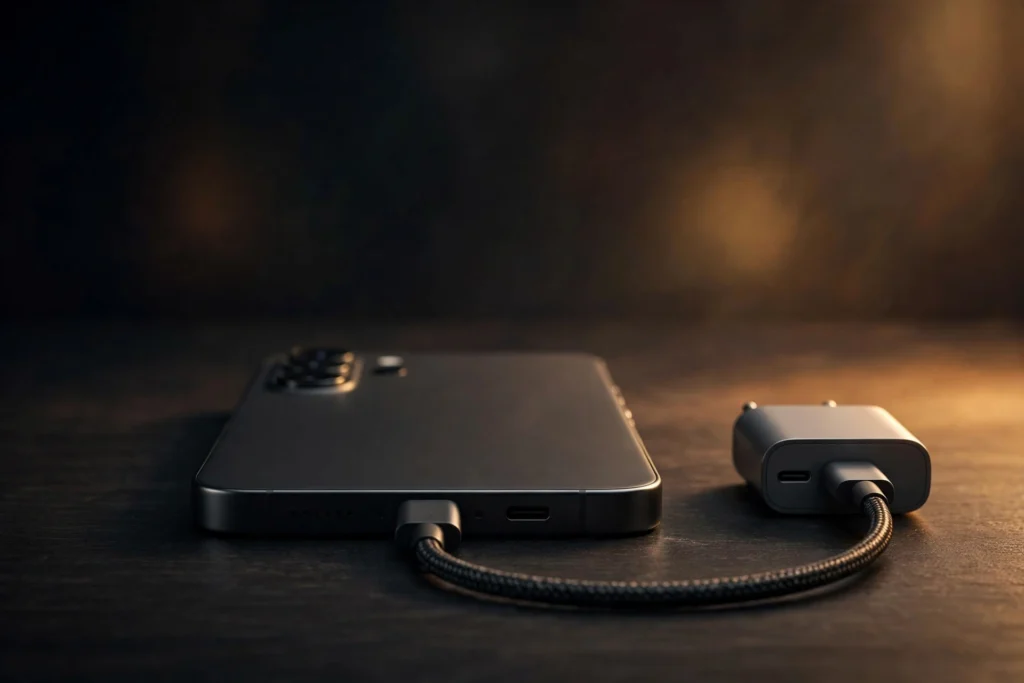
Two chargers can both say USB-C, both plug into the same phone, and yet one fills the battery in half the time of the other. The difference is rarely the shape of the plug. It is the wattage the charger can deliver, the charging standard the phone and charger agree on, and, most overlooked of all, the cable between them. If you have ever bought a charger that promised fast charging and then watched the percentage crawl, this guide explains exactly why that happens and how to avoid it next time.
Fast charging also matters more as phones do more work on the device itself. Features covered in our guide to smartphone AI features explained run locally, use more power, and make a reliable top-up during the day genuinely useful rather than a luxury.
Highlights
- Watts are volts multiplied by amps, and that single number decides the maximum speed, not the USB-C plug alone.
- USB Power Delivery is the universal standard: the charger and phone negotiate, and the phone never receives more power than it asks for.
- PPS fine-tunes voltage in tiny 20 millivolt steps, which is why Samsung Galaxy and Google Pixel phones charge fastest with PPS chargers, while iPhones do not need it.
- A basic cable is limited to 60W. Only a 5A cable with an e-marker chip can carry 100W or 240W.
- Since 28 December 2024, phones sold in the EU must charge over USB-C, and any phone charging faster than 15W there must support USB PD.
Watts in plain English: volts, amps and the number that matters
Wattage is simple arithmetic: watts equal volts multiplied by amps. Volts are the pressure pushing electricity, amps are the flow, and watts are the total power delivered. An old charger rated at 5 volts and 1 amp delivers just 5 watts. That was normal a decade ago, but on a modern phone with a large battery it feels painfully slow.
A basic USB-C connection without any fast-charging standard tops out at 15 watts, from 5 volts at 3 amps. Anything faster than that needs a proper fast-charging standard on top of USB-C, which is where USB Power Delivery comes in. When you shop, compare the wattage first, but do not stop there: the wattage is only the ceiling. Whether your phone actually reaches that ceiling depends on the standard both devices share and on the cable you use, which the next sections cover.
How USB PD negotiation works
USB Power Delivery, usually shortened to USB PD, is the universal fast-charging standard for USB-C, maintained by the USB Implementers Forum. It replaces the fixed, take-it-or-leave-it output of old chargers with a conversation. When you plug in, the charger tells the phone which voltage and current combinations it can offer, the phone picks the highest one it is designed to handle, and charging starts at that level.
Classic USB PD works in fixed steps of 5 volts, 9 volts, 15 volts and 20 volts, delivering up to 100 watts. USB PD 3.1 added an Extended Power Range with 28 volt, 36 volt and 48 volt steps, pushing the maximum to 240 watts. That extra range is aimed at larger laptops and other power-hungry devices. Phones sit well below 100 watts, so a phone does not need a 240 watt charger to charge at its best speed.
The negotiation also makes mixing chargers safe. Because the phone only ever takes what it asks for, using a higher-wattage USB PD charger will not force extra power into a phone. A 100 watt laptop charger will simply deliver the lower amount your phone requested. That is why one good USB PD charger can safely serve a phone, a tablet and a laptop, as long as the cable is up to the job.
What PPS is and who actually needs it
PPS stands for Programmable Power Supply. It is an optional part of USB PD that lets the charger adjust its voltage in very small steps of 20 millivolts, following what the battery needs moment by moment. With a fixed voltage, the phone has to convert the incoming power down inside its own body, and that conversion wastes energy as heat. With PPS, much of that adjustment happens in the charger instead, so less heat builds up in the phone and charging can stay fast for longer.
Whether you need PPS depends on your phone. Samsung Galaxy phones need a PPS charger for Super Fast Charging at 25 watts and for Super Fast Charging 2.0 at 45 watts, and the 45 watt mode also needs a 5 amp cable. Google Pixel phones likewise charge fastest with PPS chargers. iPhones are different: they fast charge with standard USB PD and do not need PPS at all. So PPS is not a universal requirement, but for Samsung and Pixel owners it is the difference between a charger that is merely compatible and one that is genuinely fast.
Why the cable decides your speed: 3A, 5A and the e-marker chip
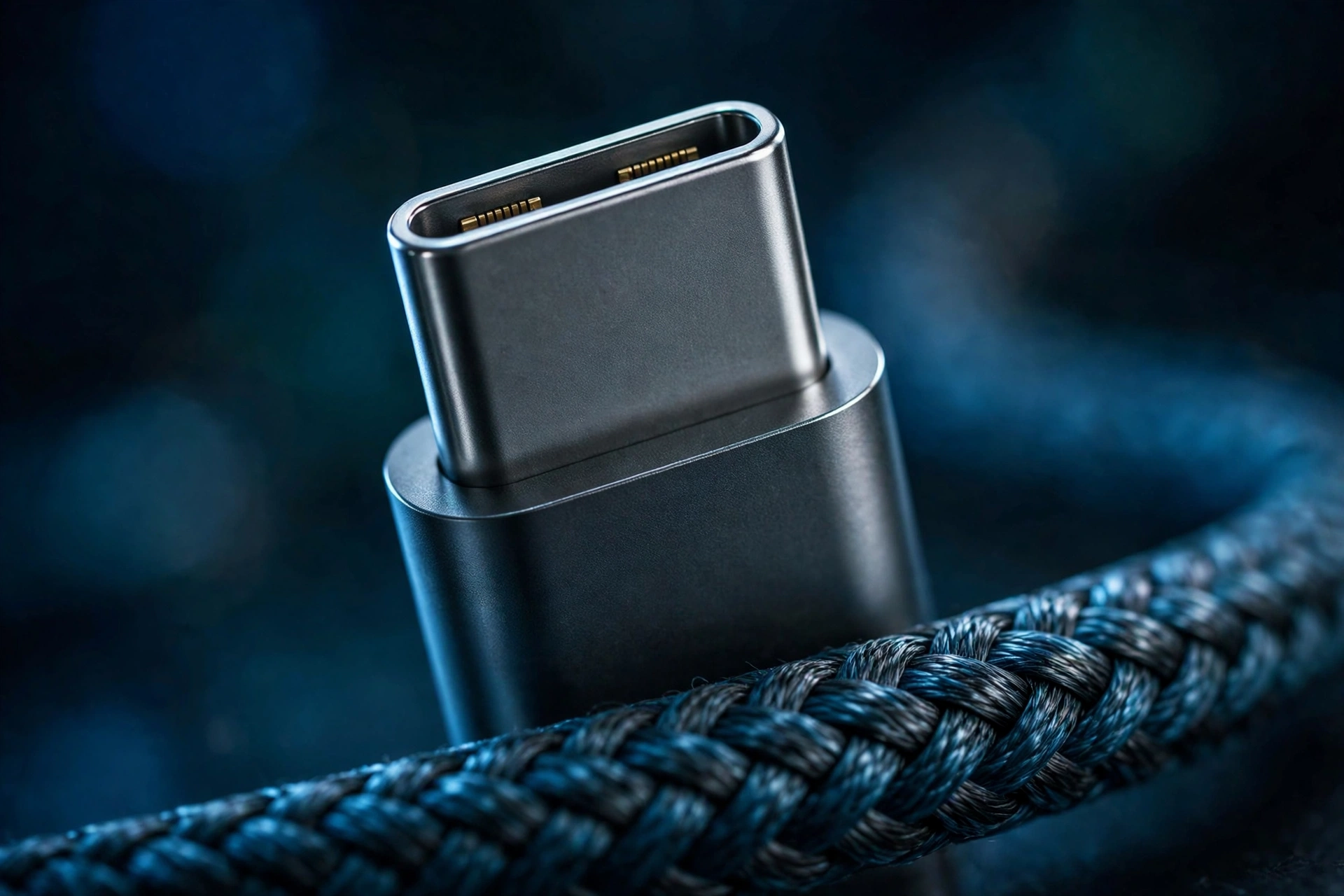
The cable is not a passive pipe. A standard 3 amp USB-C cable carries up to 60 watts, and that is a hard limit no charger can override. If your laptop needs 100 watts and your cable is a 3 amp cable, you will get 60 watts at most, however powerful the charger is.
Cables rated for 5 amps contain a small chip called an e-marker. The chip tells the charger and the device that the cable can safely carry the higher current. Those 5 amp cables carry up to 100 watts in older ratings, or up to 240 watts in newer ones. Certified cables are labelled 60W or 240W so you can tell them apart at a glance. If a cable has no rating printed on it or in its listing, the safe assumption is that it is a 3 amp, 60 watt cable. For phones charging at 45 watts or below, a good 60 watt cable is enough. For a 45 watt Samsung mode you specifically need the 5 amp cable, and for laptops above 60 watts a 5 amp cable is essential.
Brand standards vs the universal standard
On top of USB PD, several brands run their own charging systems. OPPO and OnePlus use SuperVOOC, Xiaomi uses HyperCharge, and vivo uses FlashCharge. These systems can be extremely fast, but they reach their full speed only with the maker’s own charger and the maker’s own cable used together. Plug the same phone into a standard USB PD charger and it will still charge, just noticeably slower, because it falls back to the universal standard.
This is not a reason to avoid those phones, and it is also worth checking whether you even need new hardware at all, as our guide on whether you need a new phone for AI features discusses. It is a reason to keep the original charger and cable somewhere safe, and to set expectations correctly for any spare or travel charger you buy: a universal USB PD charger is the sensible backup, even if it will not match the headline speed of the bundled brand kit.
Why charging slows down: the curve and the heat
Every phone charges fastest at the start and slows down as the battery fills. That tapering is deliberate. Pushing maximum power into a nearly full battery would stress it and shorten its life, so the phone steadily reduces the power it requests. This is why manufacturers often quote a time to reach 50 percent rather than a full charge: the first half is much quicker than the second half.
Heat has the same effect. If the phone gets warm, from charging itself, from a hot room, or from gaming while plugged in, it will throttle charging to protect the battery. Finally, remember that the wattage on a box is a peak figure, not a sustained one. A phone advertised at 45 watts may touch that number briefly and spend most of the session well below it. Judge a charger and phone pairing by the overall time to a useful charge, not by the peak number alone.
How to choose a charger, step by step
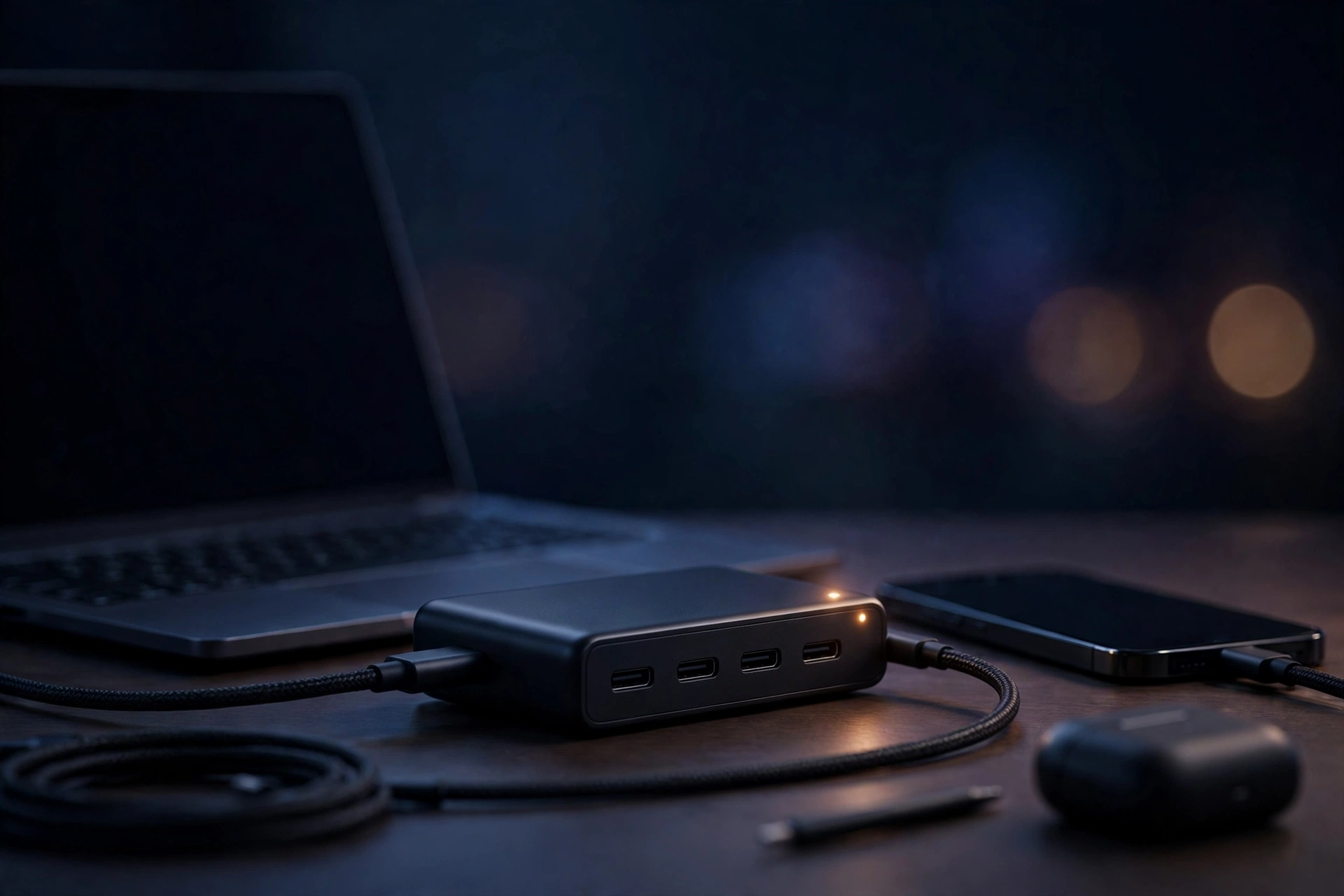
First, check what your phone supports: its maximum wattage and whether it needs PPS. Second, choose a USB PD charger at or above that wattage; going higher is safe because of negotiation, and it gives the charger a second life with a tablet or laptop. Third, if you own a Samsung Galaxy or a Google Pixel, make sure PPS is listed in the charger’s specifications, not just USB PD. Fourth, match the cable: 60 watt rated is fine for most phones, but choose a 5 amp cable for 45 watt Samsung charging or for any laptop above 60 watts. Fifth, treat unrated cables as 60 watt cables and keep brand chargers with their own cables if you want a brand phone’s absolute top speed. Follow those five steps and the charger you buy will deliver the speed you paid for.
Related Guides
- How to Choose a Fast Charger for Your Phone: A Step-by-Step Buying Checklist
- Why Is My Phone Charging Slowly? 9 Causes and Fixes
- 60W vs 100W vs 240W USB-C Cables: What the Ratings Actually Mean
- Samsung Super Fast Charging vs iPhone Fast Charging vs Pixel Charging Compared
- USB-C Charging FAQs: Laptop Chargers, Battery Health and Travel Adapters
- USB-C Charging FAQs: Laptop Chargers, Battery Health and Travel Adapters
What this means
For most readers, the practical takeaway is that the drawer full of mismatched bricks can finally go. One well-chosen USB PD charger with PPS, paired with one properly rated cable, can fast charge a Samsung or Pixel phone at full speed, fast charge an iPhone, and still handle a tablet or a modest laptop when you travel. That replaces three or four separate chargers, reduces clutter, and means the charger in your bag is always the right one. The saving is not only money, though it is real; it is the end of guessing which brick belongs to which device.
The buying mistakes to avoid all follow from the details above. The first is paying for headline wattage your phone cannot use: a 140 watt charger will not make a 25 watt phone charge any faster, because the phone decides how much to take. The second is forgetting PPS. A powerful USB PD charger without PPS looks identical on the shelf, costs about the same, and yet will not unlock Super Fast Charging on a Galaxy or the fastest speeds on a Pixel. The third, and most common, is the cable. People upgrade the charger, keep an old unrated cable, and conclude that fast charging is a marketing myth, when in fact the cable capped them at 60 watts, or less, the whole time. If your charging feels slow after a charger upgrade, suspect the cable first.
Before paying for any charger, run a short checklist against the box or listing. Does it say USB PD, and PPS if your phone needs it? Is the wattage at or above your phone’s maximum? Does the cable in the box, if there is one, carry a 60W or 240W rating, and is it a 5 amp cable if you need one? Can the seller name the standard, or is it hiding behind vague words like turbo or rapid with no specification behind them? Those four questions take a minute and separate a charger that will serve every device you own for years from one that disappoints on the first evening. Standardisation, helped by the EU rule that phones must use USB-C and support USB PD above 15 watts, means this knowledge will stay useful: the next phone you buy will almost certainly charge the same way, with the same charger you buy today.
Read Next
Sources