AI Video Generators Explained: How Text-to-Video AI Works
<p>Text-to-video AI is diffusion with time added: OpenAI’s Sora denoises whole moving scenes at once, Google’s Veo turns text or image prompts into coherent footage, and both makers state the physics limits openly. How it works and what it is good for.</p>
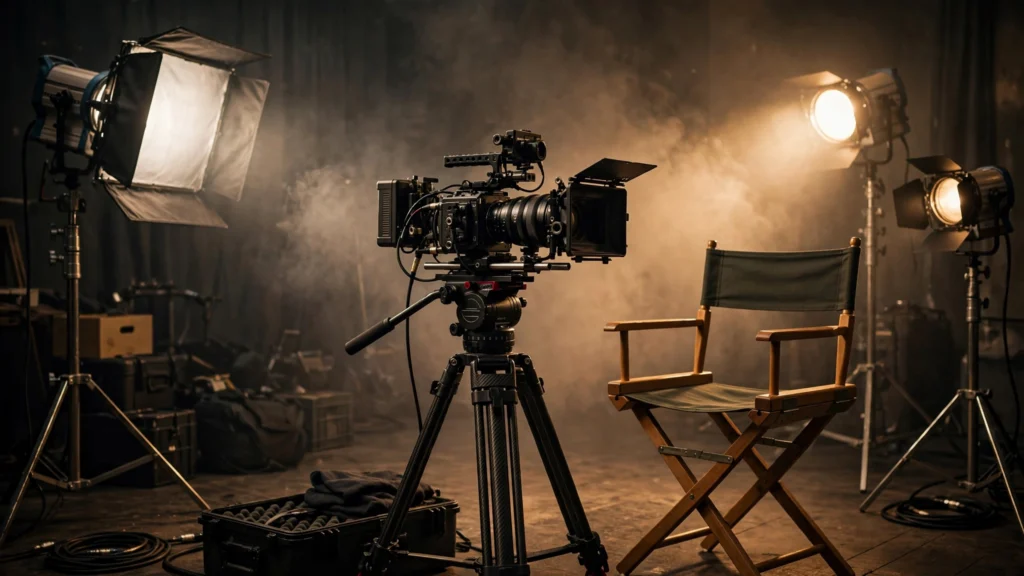
Text-to-video AI does for moving pictures what image generators did for stills: you describe a shot in words, and the model produces footage that was never filmed. The results can look startlingly real, and the failure modes — melting objects, impossible physics, characters who change mid-scene — follow directly from how the technology works. This explainer walks through that working, the two flagship approaches described by their own makers, and what the tools are honestly good for today. It completes the cluster around our pillar guide, AI image generators explained: if still images are new to you, start with how to create AI images step by step, because video generation is that same craft with time added.
Highlights
- Video generation is diffusion plus time: OpenAI describes Sora as a diffusion model that starts from a video resembling static noise and gradually removes the noise over many steps — while keeping frames consistent with each other.
- Prompts work like shot descriptions: Sora can generate complex scenes with multiple characters, specific types of motion and accurate background detail, and can also animate an existing still image into a video.
- Google’s Veo line takes the same task to products: Google says Veo generates high-quality, high-definition video from text or image prompts in a range of cinematic styles, with footage that stays consistent and coherent as things move.
- Physics is the admitted weak point: OpenAI states openly that its model may struggle to simulate the physics of a complex scene and may miss cause and effect — plan shots around that limit.
- Watermarking travels with the footage: Google says its SynthID technology embeds invisible watermarks into frames produced by its Veo and Imagen models, so AI video can be identified as AI video.
How text-to-video works: a diffusion model that has to agree with itself
Start from the still-image process. An image generator builds a picture by refining noise into structure, guided by your words. A video generator must do that for a whole sequence of frames — and the frames must agree. A face cannot change identity between second one and second three; a walking figure’s legs must alternate; a camera pan must move the whole world in one direction. OpenAI’s description of Sora captures the architecture plainly: it is a diffusion model, generating a video by starting with one that looks like static noise and gradually transforming it by removing noise over many steps, and it uses a transformer architecture — the same family of design behind modern language models — which OpenAI credits with strong scaling behaviour. Sora can generate entire videos at once or extend a generated video to make it longer, and it borrows the recaptioning technique from DALL·E 3: training on highly descriptive captions so the model follows detailed text instructions more faithfully. Whole-video generation, rather than frame-by-frame invention, is exactly how temporal consistency is achieved — the model denoises the entire moving block as one object, so agreement between frames is built into the process rather than patched afterwards.
What a prompt controls: scenes, motion and shots
Because the model is trained on richly captioned video, a video prompt reads like a shot description from a film set: subject, action, camera and mood. OpenAI says Sora is able to generate complex scenes with multiple characters, specific types of motion, and accurate details of subject and background, and that its language understanding lets it interpret prompts and produce characters expressing emotion. It can also create multiple shots within a single generated video that keep the same characters and visual style — the difference between a clip and a sequence. Two further capabilities matter practically. First, image-to-video: Sora can take an existing still image and generate a video from it, animating the image’s contents — which means the still-image skills in our prompt checklist transfer directly, because a strong starting frame is half the shot. Second, extension: beginning from generated or existing footage and continuing it, which is how short generations become longer scenes. The practical prompt lesson mirrors stills: describe one clear action, one camera behaviour and one mood per generation, and build complexity by combining clips rather than demanding a whole film in a single prompt.

Google’s approach: Veo, Imagen and the product pipeline
Google’s flagship video line shows the same ideas arriving as products. Announcing Veo and Imagen 3 on Vertex AI, Google describes Veo as generating high-quality, high-definition videos from text or image prompts in a wide range of cinematic and visual styles, creating footage that is consistent and coherent, so people, animals and objects move realistically throughout shots. The pairing is deliberate: Imagen generates the still, Veo animates it — Google demonstrates Veo image-to-video using both Imagen-generated images and real photographs as starting frames. Google DeepMind’s creator announcement adds the distribution picture, bringing Veo and Imagen 3 to YouTube creators through Dream Screen, where a text prompt first yields images via Imagen and a chosen image becomes a short generated video background via Veo. Read together, the two companies’ own descriptions converge: text-to-video is a pipeline — describe, generate a frame or a clip, animate, extend, assemble — and the prompt is the control surface at every stage. For provenance, Google notes SynthID embeds invisible watermarks into every image and frame its models produce, a point we return to below.
The honest limits: physics, cause and effect, and short horizons
The makers state the limits themselves, and believing them will save you wasted generations. OpenAI says the current Sora model “may struggle to simulate the physics of a complex scene, and may not comprehend specific instances of cause and effect”, giving the example of a cookie that shows no bite mark after a character bites it, and notes it can confuse spatial details such as left and right. These are the video versions of the still-image problems in our guide to why AI images look wrong — a system painting plausibility rather than obeying rules will fail precisely where rules govern. Design shots around the limits: favour atmosphere, landscapes, product-style motion, stylised scenes and simple single actions; be cautious with hands manipulating objects, eating, construction, sport mechanics and anything where the audience will watch the physics. Length is the other honest constraint to plan around — generation is built from short clips that are extended or assembled, so think in shots, like an editor, not in finished programmes. None of this diminishes the technology; it defines the professional way to use it while it matures.
Watermarks, disclosure and responsible use
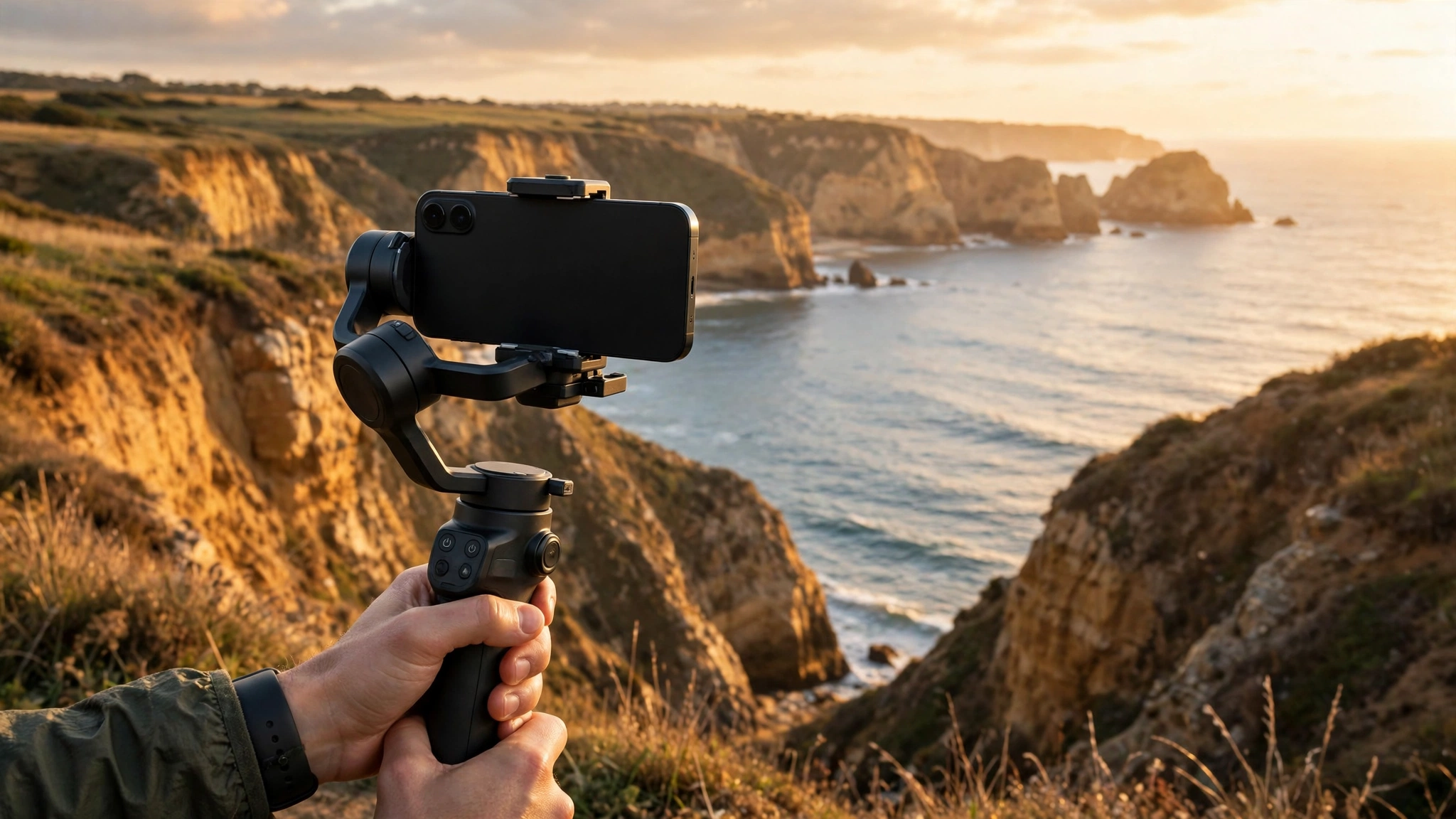
Moving images persuade more than stills, so the identification question matters more here. Google states that its SynthID technology embeds invisible watermarks into every image and frame that Imagen and Veo produce, to help reduce misinformation and misattribution. OpenAI, for its part, described working with red-team experts in misinformation, hateful content and bias while developing Sora, and planned content-provenance metadata for deployment. The direction across the industry is consistent: generated video is expected to carry its origin with it. For creators, the working rules are simple. Use generated footage for what it is — illustration, visualisation, concept work, stylised content — label it as AI-generated where a viewer could reasonably mistake it for real footage, and never use it to fabricate events, statements or evidence. That posture is not just ethical; as watermarking spreads, undisclosed synthetic footage is increasingly likely to be identified anyway, and the reputational cost lands on the publisher, not the tool.
What this means
Text-to-video changes who gets to make moving images, in the same way its still-image sibling changed who gets to make pictures — but with a sharper edge, because video has historically carried more credibility and cost far more to produce. A described shot that once needed a location, a crew and a day can now be drafted in minutes, which moves the scarce skill in video from filming to directing: knowing what shot a story needs, judging whether generated motion serves it, and assembling honest work from real and generated material. The limits the makers themselves publish — physics, cause and effect, spatial confusion — are best read as the current border between drafting and filming. Inside that border, generated video is already a serious tool for concepts, backgrounds, explainers and stylised content; outside it, real cameras remain unmatched, and pretending otherwise produces the uncanny failures everyone recognises. Expect the border to move, as it did for still images, where yesterday’s headline flaws became today’s advertised fixes. The durable advantage will not belong to whoever generates the most footage, but to whoever develops the director’s judgement to use it well — and that judgement, like the prompt craft in our image guides, is trainable starting today, one described shot at a time.
Bottom line
Text-to-video hands the camera to anyone who can describe a shot, and moves the scarce skill to directing and honest assembly. Use it for drafts and scenes that were impossible to film; check physics, continuity and consent before you call it footage.
Read Next
- AI Image Generators Explained: How They Work and How to Choose One
- Why AI Images Look Wrong: Hands, Text and Other Common Problems Explained
- Google Gemini Omni 1.2 Flash Brings 15-Second Clips at $0.07 a Second
Sources
- OpenAI, “Sora: Creating video from text” — openai.com (accessed 6 Nov 2026)
- Google Cloud Blog, “Introducing Veo and Imagen 3 on Vertex AI” — cloud.google.com (accessed 6 Nov 2026)
- Google DeepMind, “Empowering YouTube creators with generative AI” — deepmind.google (accessed 6 Nov 2026)