How to Write AI Image Prompts That Actually Work: A Checklist
A good prompt is not longer — it is more decided. Ten checks, in order: subject, action, style, settings, setting, light, composition, aspect ratio, exclusions and the one-change rule, grounded in Midjourney and DeepMind guidance.
Most disappointing AI images are not the model’s fault. They are the predictable result of a vague prompt: “a nice picture of a dog” hands the generator a thousand decisions and then blames it for choosing badly. A good prompt is not longer or more poetic — it is more decided. This checklist breaks prompt-writing into the decisions that actually change the output, in the order to make them, using the guidance the toolmakers themselves publish. It belongs to our pillar guide, AI image generators explained, and follows naturally from your first step-by-step creations.
Highlights
- Name the subject first, specifically: Midjourney’s documentation advises short, clear prompts and specific word choices — “specific synonyms” change the result, so choose them deliberately.
- Decide the style explicitly: Google DeepMind’s prompt guide asks whether you are creating a photograph, an illustration or a painting — the model will guess if you do not say, and it may guess wrong.
- Add setting, light and framing: where the subject is, what the light is doing and how the shot is composed are the three additions that most improve an ordinary prompt.
- Set the shape: OpenAI notes ChatGPT can generate in any aspect ratio via the ratio picker or your prompt — decide the shape from where the image will be used.
- Change one thing per iteration: single-variable edits teach you what works and build a personal library of reliable prompts.
Checklist item 1–2: subject and action, stated plainly
Start every prompt with the subject, and make the subject specific. Midjourney’s “Prompt Basics” guidance is the anchor here: prompts can be short, short and simple prompts typically generate the best images on Midjourney, and the words you pick matter — try specific synonyms, because each carries a slightly different visual average. “Dog” averages every dog ever photographed; “elderly golden retriever” averages a much narrower, more coherent set. Google DeepMind’s prompt guide frames the same item as the first question to answer: who or what is in your image, what do they look like, and how are they posed? Add the action or state next — sleeping, running, leaning, waiting — because a subject without a state forces the model to choose a default pose, and defaults are where generic results come from. Two checks before moving on: could a stranger sketch roughly the right thing from this sentence, and is there exactly one hero subject? If the answer to either is no, fix the opening before adding anything else.
Checklist item 3–4: style and medium, chosen not inherited
Style is the decision beginners most often leave to chance, and it is the decision that most changes the picture. DeepMind’s guide asks directly: are you creating an illustration, a photograph, or a watercolour painting — realistic, retro-futuristic, or something abstract? Each answer reroutes the entire generation. “Photograph” brings lenses, depth of field and natural light with it; “watercolour” brings paper texture and soft edges; “flat vector illustration” brings clean shapes and bold colour. Midjourney’s documentation makes the complementary point about parameters: tools appended to a prompt can adjust things like aspect ratio to tailor the image — settings are part of the prompt craft, not an afterthought. Write the style as its own phrase near the start of the prompt, not as a trailing hope. If you are working in a chat-based tool, remember OpenAI’s note that ChatGPT Images can also edit an existing image and keep details consistent between edits — so “same scene, but as a watercolour” is a legitimate follow-up instruction, not a fresh gamble. Style consistency across a set of images — a blog series, a product line — comes from reusing the exact same style phrase every time.
Checklist item 5–7: setting, light and composition
With subject and style fixed, three additions separate a competent prompt from a strong one. Setting: place the subject somewhere specific — not “outside” but “on a wet city pavement after rain” — because environments carry colour, props and atmosphere the model would otherwise invent randomly. Light: name it. Morning, golden hour, overcast, candlelit and studio-lit versions of the same subject are five different images, and light is the cheapest mood control you have. Composition: say where the subject sits and how much of the frame it fills — “close-up”, “full body, centred”, “seen from above”, “wide shot with the subject small in the landscape”. These are the terms photographers use, and models trained on captioned photographs respond to them. A worked example shows the checklist assembled: “Elderly golden retriever [subject] asleep [action], photograph [style], on a rug beside a fireplace [setting], warm evening light [light], close shot at floor level [composition].” Every bracket is one checklist item doing visible work. When results still disappoint, consult the failure patterns in why AI images look wrong before adding more words — often the fix is removing a demand, not adding one.
Checklist item 8–10: shape, exclusions and the one-change rule
Shape: decide the aspect ratio from the destination — vertical for phone wallpapers and most social stories, square for grid posts, wide for banners and article headers. OpenAI’s help page confirms ChatGPT can generate images in any aspect ratio, chosen in the ratio picker or written into the prompt; other tools expose the same control as a setting or parameter. Exclusions: state what must not appear when a recurring unwanted element keeps intruding — a crowded background, a second character, text you plan to add yourself. Keep exclusions few and concrete; a long list of prohibitions muddies the prompt’s positive picture. The one-change rule: when refining, alter exactly one checklist item per generation and keep the rest frozen. That discipline is what converts random regenerating into learning — after ten single-change iterations you know what light, style and framing do in your tool, knowledge no copied prompt list can give you. Save winning prompts verbatim, with a note of what each produces; within weeks you own a small, personal, reliable prompt library, which is the real asset this checklist is building.
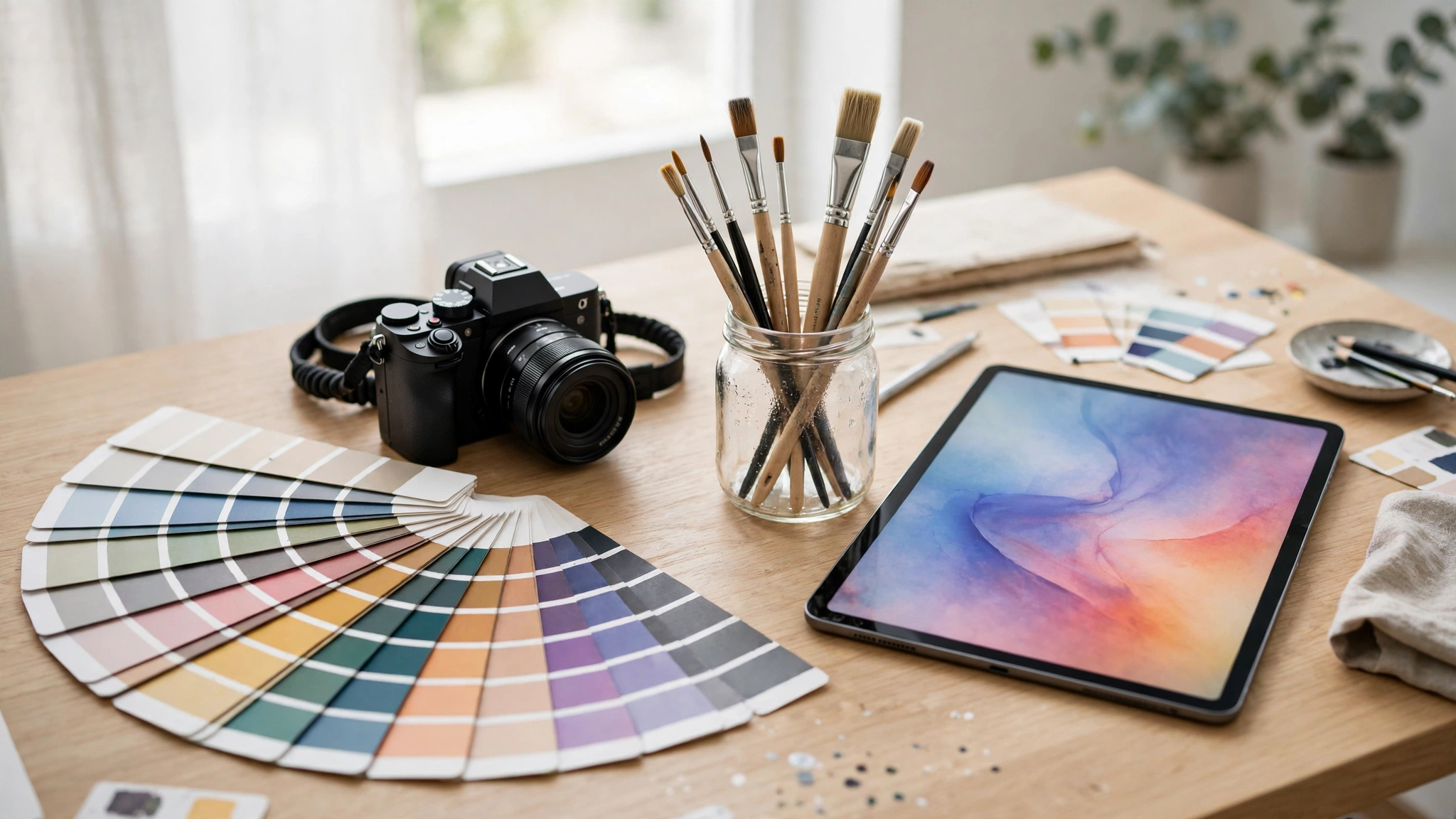
A printable summary of the checklist
Run these ten checks in order: 1) One specific hero subject. 2) An action or state for the subject. 3) A named style or medium. 4) Any tool setting or parameter that belongs with that style. 5) A concrete setting. 6) A named light. 7) A stated composition or camera distance. 8) An aspect ratio matched to the destination. 9) At most a couple of concrete exclusions. 10) One change per iteration, and the winning prompt saved. Notice what is not on the list: length requirements, magic words, or poetic filler. Midjourney’s own advice that short and simple can be best, and DeepMind’s subject-and-style questions, both point the same way — clarity is a set of decisions, not a pile of adjectives. If a prompt is failing, walk the list top-down and find the undecided item; the failure almost always lives there. Pair this checklist with the free-tier realities in our guide to what free tiers actually include, because a limited allowance is exactly where a disciplined checklist pays for itself.
What this means
A checklist sounds like a modest thing, but it changes what prompting is. Without one, generating images is a slot machine: pull, glance, pull again, and attribute the wins to luck. With one, it becomes a craft with a feedback loop — each generation tests a decision you made on purpose, so skill compounds instead of resetting. That is also why the toolmakers’ own guidance, quoted throughout this piece, is all about decisions rather than secrets: subject, style, specificity, settings. There are no magic words because the model is not a spell to be cast correctly; it is an average of visual culture to be steered deliberately. The deeper consequence is about taste. A checklist forces you to decide what you want before you see anything — light, framing, mood — and deciding in advance is precisely how visual judgement is trained. People who prompt well after a month are not better typists; they are people who have made a thousand small visual decisions and seen the results. Keep the checklist beside the keyboard for your next fifty images. By the fiftieth, you will not need it printed — not because you memorised it, but because you have become someone who sees the decisions before being reminded of them.
Bottom line
A prompt is a set of decisions, not an incantation. Make the decisions — subject, style, specificity, settings — on purpose, and generation stops being a slot machine and becomes a craft.
Read Next
- How to Create AI Images Step by Step (Even If You Cannot Draw)
- Why AI Images Look Wrong: Hands, Text and Other Common Problems Explained
Sources
- Midjourney Docs, “Prompt Basics” — docs.midjourney.com (accessed 6 Nov 2026)
- Google DeepMind, “How to create effective image prompts with Gemini Image” — deepmind.google (accessed 6 Nov 2026)
- OpenAI Help Center, “Images in ChatGPT” — help.openai.com (accessed 6 Nov 2026)