SMS Codes vs Authenticator Apps vs Security Keys: Which Second Step Is Strongest?
<p>All three second steps beat a password alone, but they are not equal — this guide ranks text codes, authenticator apps and security keys honestly.</p>
Key points
- Security keys and passkeys are the strongest option here: Google groups them under increased phishing protection, and CISA calls a FIDO key “best yet” among second steps.
- Authenticator apps are a strong middle step — codes are generated on your device and work without mobile service, but a code you type can still be relayed to a fake site.
- SMS codes are better than nothing, yet Google warns that codes sent by text or call can be vulnerable to phone number-based hacks.
If every account seems to want a code these days, and you are quietly wondering whether the one you use is actually any good, that is a fair question. The second step is not one single thing. Our pillar guide to two-factor authentication explained covers the wider picture; here we compare the three methods most people are offered.
SMS codes are the easiest second step, and the easiest one to attack
A 6-digit code arrives by text or call, and you type it into the sign-in screen.
Google describes the method plainly: a 6-digit code is sent to a number you have previously provided, in a text message or a voice call, depending on the setting you chose, and you enter the code on the sign-in screen to verify it is you. There is nothing to install, which is why so many services offer it first.
The weakness sits in that convenience. Google adds an honest warning in the same guide: although any form of 2-Step Verification adds account security, verification codes sent by texts or calls can be vulnerable to phone number-based hacks. That includes SIM-swap attacks, where your number is moved to someone else’s control, and simple phishing, where a convincing fake page asks for the code and you hand it over. The code also depends on your carrier, your signal and your number staying yours.
Authenticator apps keep the code on your device, which removes the phone-number risk
The app creates one-time codes even with no internet connection or mobile service.
An authenticator app changes where the code lives. Google notes that when you do not have an internet connection or mobile service, you can set up Google Authenticator or another app that creates one-time verification codes, and you enter the code on the sign-in screen to help verify it is you. Because the code is generated on your own device rather than sent over the phone network, a SIM swap on its own does not hand an attacker your codes.
That is a real step up, and for most accounts a sensible default. Pair it with a password manager, which handles the first factor properly, and the combination beats a reused password plus a text. The honest limit is this: you still type a code into a page. If that page is a convincing copy run by a scammer, the code can be relayed and used straight away, while it is still valid. The app protects the code in transit; it cannot check who you are giving it to.
Security keys and passkeys are the strongest step, because there is no code to hand over
Google groups passkeys and hardware keys under increased phishing protection.
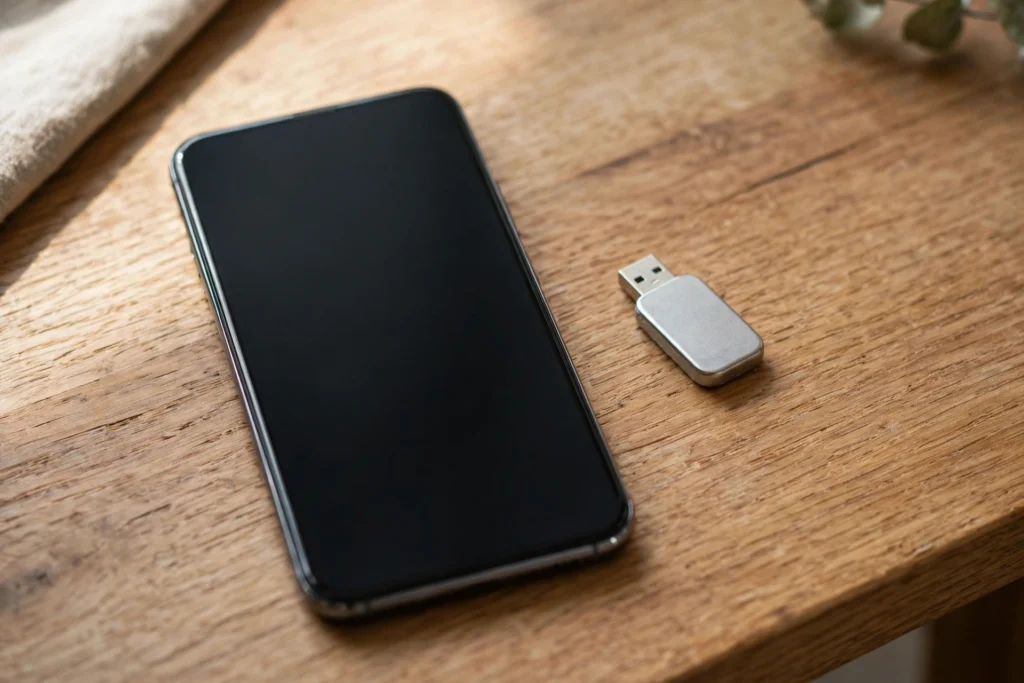
A hardware security key is, in Google’s words, a small device that you can buy to help verify it is you when you sign in — when needed, you simply connect the key to your phone, tablet or computer. A passkey uses the same idea without a separate object: Google says you can sign in with your fingerprint, face scan or device screen lock, such as a PIN, and that a passkey can be created on a phone, computer or hardware security key.
Two details make this tier different. First, Google states that passkeys only exist on your devices and cannot be written down or accidentally given to a bad actor — there is no shared code to read out, type into a fake page or forward. Second, Google presents passkeys and hardware security keys together as the way to increase phishing protection, and CISA, listing second layers from a confirmation text to an authentication app, calls a FIDO key “best yet”. That is why, on the official guidance, this tier sits at the top.

Side by side, the ranking follows one question: can the step be relayed?
The table compares how each method works, where it is strong, and where it fails.
| Method | How it works | Main strength | Main weakness | Best for |
|---|---|---|---|---|
| SMS codes | A 6-digit code is sent by text or voice call to your number; you type it on the sign-in screen (Google) | Nothing to install; any form of 2-Step Verification adds security (Google) | Vulnerable to phone number-based hacks, including SIM swap, and a typed code can be phished (Google) | A backup option, or the only step a service offers |
| Authenticator app | An app on your device creates one-time codes, even without internet or mobile service (Google) | Codes stay on your device, so the phone-network route is removed | You still type a code, so a convincing fake page can relay it while it is valid | Most everyday accounts, as a strong default |
| Security key / passkey | A small key connects to your device, or a passkey unlocks with fingerprint, face scan or PIN (Google) | Phishing-resistant tier: passkeys only exist on your devices and cannot be written down or given away (Google); CISA calls a FIDO key “best yet” | Needs a compatible device or a key you must buy and not lose; not every service offers it | Email, banking and your most important accounts |
Each step up removes a way for someone else to use your proof without you. Our guide to AI scams and deepfake protection shows how convincing the fakes behind these attacks have become.
What this means
Use the strongest step your important accounts offer, and keep a weaker one only as backup.
Let us be honest about how this decision usually happens. Nobody sits down on a quiet Sunday to compare authentication methods. You meet the choice in a hurry — a new phone, a locked account, a warning email at midnight — and you tap whichever option looks quickest, which is almost always the text code. That is not carelessness. The services themselves put SMS first because it is familiar, and familiar feels safe when you are stressed and just want to get back into your own account.
Here is the part worth slowing down for. The accounts that matter most — your main email, your bank, the account everything else resets through — are exactly the ones an attacker wants, and a stolen password plus a phishable code is a combination they know how to beat. CISA’s framing is reassuring rather than alarming: multi-factor authentication can make you significantly less likely to get hacked, and even the weakest second step here is a genuine improvement on a password alone. So nothing in this article should leave you feeling you have done it wrong. If SMS is switched on today, you are already ahead of password-only. Think of it as locks on a house rather than a test you pass or fail: a basic lock is worth having, a better lock is worth fitting on the front door, and the strongest lock belongs where the valuables are kept.
In our view, the practical move is a ladder, not a leap. Turn on an authenticator app for your important accounts first — it costs nothing, takes minutes, and removes the phone-number risk in one go. Then, where a service offers a passkey or a security key, take it for the handful of accounts that guard everything else, starting with email. Keep SMS only where nothing stronger is offered, and never share any code with anyone: Google is blunt that scammers may try to take over your account that way, and that you will not receive a call from Google to verify a code. Small steps, in the right order, on the right accounts — that is what actually changes your risk.
Bottom line
Security keys and passkeys win, authenticator apps are the best free step up, and SMS is a backup.
In our view, the ranking comes straight from the official guidance: security keys and passkeys are strongest, authenticator apps are the strong, free middle step most people should use today, and SMS codes should be your backup, not your main defence, wherever a stronger option exists.
Related Guides
Go deeper on two-factor authentication, passwords and scam protection.
Read Next:
- Two-Factor Authentication Explained: Prompts, Authenticator Apps, Security Keys and Backup Codes
- Password Managers Explained
- AI Scams and Deepfake Protection
Sources
Google Account Help and CISA guidance, accessed 9 November 2026.